
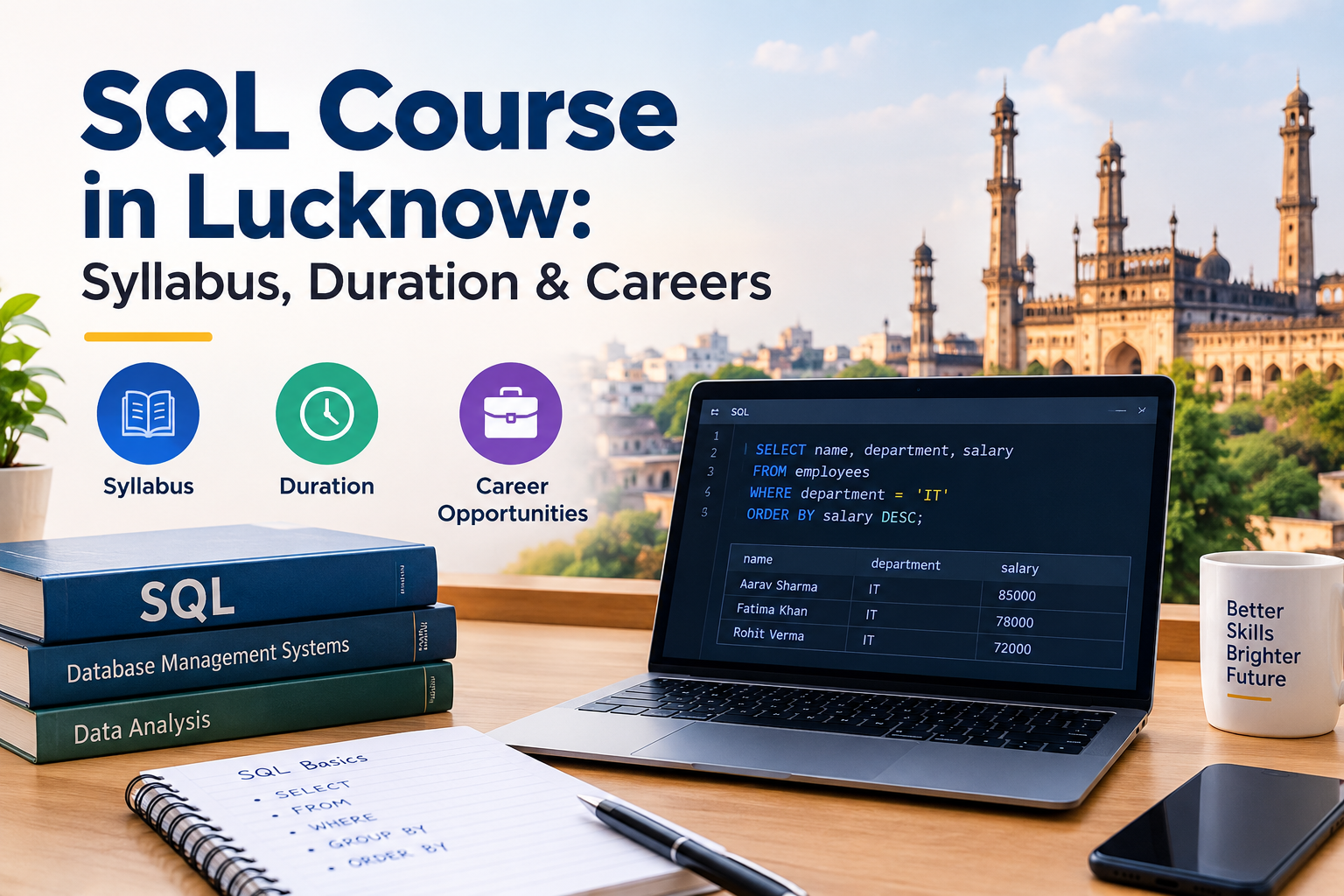
SQL & MySQL Course in Lucknow – Syllabus, Duration & Careers (2026)
Why SQL Is Worth Learning in Lucknow Quick Answer: Aptech Learning Center, Mahanagar Extension, Kapoorthala, Lucknow offers a job-oriented SQL & MySQL course with hands-on database projects, in offline classroom batches plus live online classes across Uttar Pradesh. Indicative fee: ₹8,000 to ₹20,000, with a flat 10% festive discount on admission and placement assistance included. Call +91 63861 19566 for batch dates and free counselling. Next step: explore the SQL training inside the data analytics course in Lucknow at Aptech Learning Lucknow — offline batches at Mahanagar Extension, Kapoorthala, and live online classes for students anywhere in Uttar Pradesh. Think about what happens when you book a train ticket, order food, or check your bank balance. Behind each action, a database is storing and retrieving records, and SQL is the language used to talk to that database. Businesses in Lucknow, from retail and logistics firms to hospitals, schools, and software companies, all keep records somewhere, and people who can read that data are useful. There is another practical reason. SQL is one of the more approachable technical skills. Its commands read almost like English sentences, which makes it a friendly starting point for students from commerce, arts, and science backgrounds, not just computer science. SQL also works as a base for other careers. If you later move into data analytics, data science, or web development, you will need it again, so the time you invest now keeps paying off. What a Complete SQL Syllabus Looks Like Institutes arrange topics differently, but a complete course generally covers the following. Database BasicsThis covers what a database is, how tables, rows, and columns work, and the idea of relational data. Basic QueriesThis covers selecting columns, sorting results, and limiting output. Filtering DataThis covers conditions using comparison operators, pattern matching, and handling empty values. FunctionsThis covers text, number, and date functions that clean and shape results. Grouping and AggregationThis covers counting, summing, averaging, and grouping records to answer business questions. JoinsThis covers combining data from multiple tables, which is where most real-world work happens. Subqueries and Common Table ExpressionsThis covers queries inside queries, useful for more complex questions. Data ModificationThis covers inserting, updating, and deleting records safely. Database DesignThis covers primary keys, foreign keys, normalisation, and creating tables. Window Functions and Advanced TopicsThis covers ranking, running totals, and comparisons across rows, which analyst interviews often test. Performance BasicsThis covers indexes and writing queries that run efficiently. Final ProjectThis ties everything together using a realistic dataset. Module | What You Learn | What You Can Do AfterwardsBasic Queries and Filtering | Selecting and narrowing data | Find specific records quicklyAggregation | Grouping and summarising | Produce sales or attendance summariesJoins | Combining tables | Build reports from several data sourcesSubqueries | Layered questions | Answer multi-step business questionsDatabase Design | Structuring tables properly | Create a clean database for an applicationWindow Functions | Advanced analysis | Rank and compare records in interviews How the Course Progresses (Step-by-Step) Understand How Databases Store DataYou begin with tables, keys, and relationships, so the commands that follow make sense. Write Your First QueriesYou select data, sort it, and filter it using simple conditions. Clean and Shape Results With FunctionsYou learn to handle text, dates, and missing values. Summarise Data With GroupingYou count, total, and average records to answer questions like monthly sales or class-wise attendance. Combine Tables With JoinsYou connect customers to orders or students to courses, and learn how different join types change the result. Use Subqueries for Harder QuestionsYou solve problems that need one result inside another. Add, Change, and Remove Data CarefullyYou practise modifying records while learning why accuracy and backups matter. Design Your Own TablesYou create a small database from scratch with proper keys. Try Advanced Analytical QueriesYou use window functions to rank records and compare values across rows. Complete a Practical ProjectYou build and query a database for a realistic case, such as a shop, a library, or a hospital. How Long Does It Take to Learn SQL SQL has a smaller scope than most programming languages, so the timeline is usually shorter. A beginner who practises regularly can become comfortable with core queries in a few weeks. Joins and subqueries often take a little longer to feel natural, because they require you to think about how tables relate. Reaching job-ready level, where you can write accurate queries for real business problems, generally takes longer than learning the syntax, since it needs practice with messy, realistic data. The exact duration depends on your starting point and how many hours you practise each week. Confirm the schedule and total duration with the institute you choose. Online vs Offline Classes Both formats can work for SQL, and the better choice depends on how you learn. Offline classes suit beginners who like a trainer looking at their screen. SQL errors can be tiny, such as a missing comma or a wrong join condition, and a trainer can point them out in seconds. A fixed class routine also helps you practise regularly. Online classes give flexibility for working professionals and learners outside the city. Pick live, interactive sessions with practice assignments and doubt-clearing time, rather than only recorded videos. SQL is one of the easier subjects to practise remotely, since you only need a laptop and database software, but regular feedback still matters. In simple words: if you are new and live nearby, offline classes make it easier to stay consistent. If your schedule is busy, a live online batch with daily practice can also work. How to Choose an SQL Institute in Lucknow Use this checklist before you enrol: Ask for the module list and confirm it covers joins, subqueries, and database design, not just basic SELECT statements. Check which database software is used, such as MySQL, and whether you learn standard SQL that transfers to other systems. Find out how many hours go into hands-on query writing. Attend a demo class and see whether the trainer explains the logic behind each query. Ask whether you
Explore More