
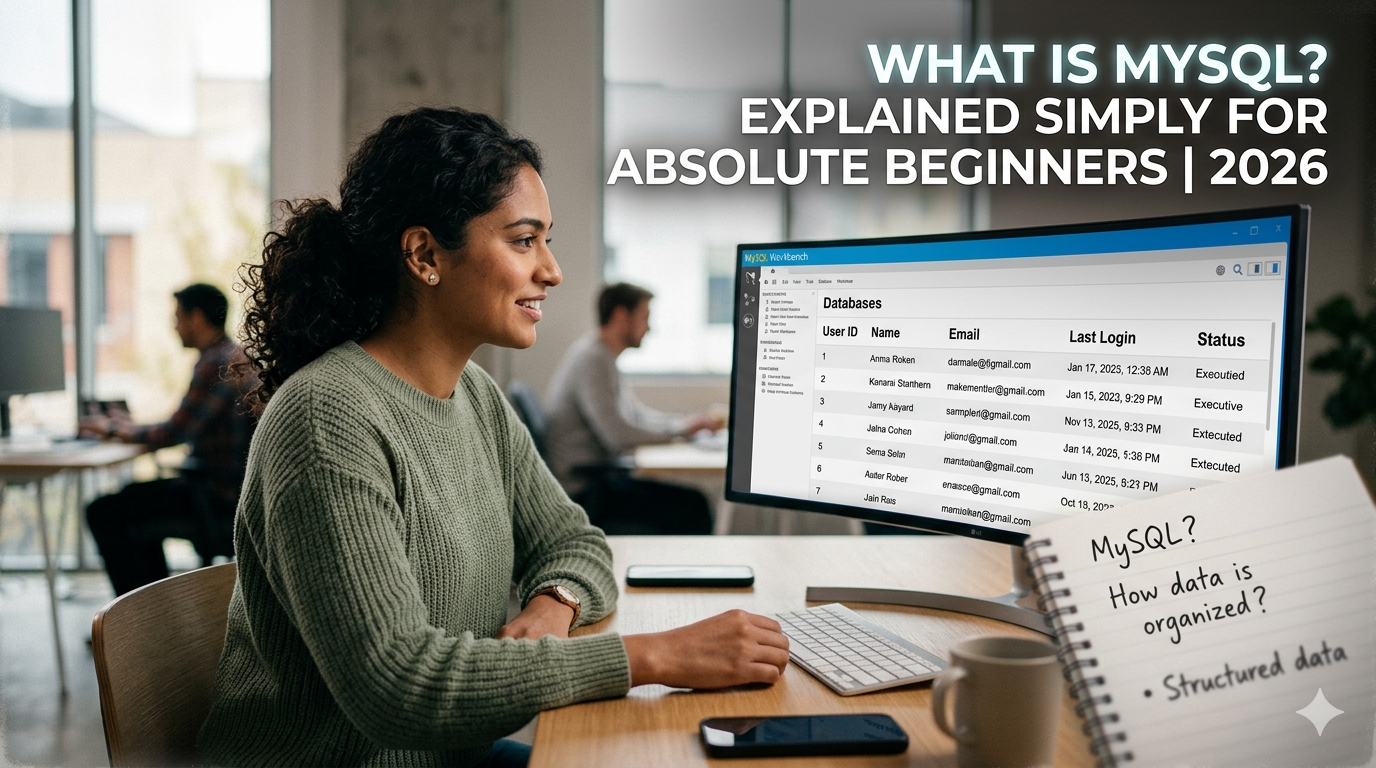
What is MySQL? Explained Simply for Absolute Beginners 2026
If you have ever searched “what is MySQL” and ended up more confused than when you started, this article is for you. No jargon. No assumed knowledge. Just a plain, honest explanation of what MySQL is, what it actually does, and why so many developers, companies, and learners care about it in 2026. By the end of this page, you will understand MySQL well enough to explain it to someone else — and know exactly how to get started learning it. What does MySQL actually look like? When most people imagine a database, they picture something complicated and invisible. In reality, a MySQL database looks a lot like a collection of Excel sheets. Imagine a school has a database. It might have a table called students that looks like this: student_id name city age 1 Rahul Sharma Lucknow 21 2 Priya Verma Kanpur 20 3 Amit Singh Agra 22 Each row is one student. Each column is one piece of information about that student. Clean, organised, easy to search. Now imagine the school also has a table called courses that stores which courses each student is enrolled in. MySQL lets you connect these two tables — so with a single command, you can ask: “Show me all students from Lucknow who are enrolled in the MySQL course.” And MySQL returns exactly that information in milliseconds, even if the database contains a million students. That ability to connect tables and retrieve specific data instantly is what makes relational databases so powerful. What language does MySQL use? MySQL uses a language called SQL — Structured Query Language. This is the language you write to give MySQL its instructions. SQL is not a general-purpose programming language like Python or Java. It is specifically designed for talking to databases. The commands are simple, readable English-like instructions: Even without any prior training, you can probably guess what each of those commands does just by reading them. That readability is one of the reasons SQL — and MySQL — is so approachable for beginners. What is MySQL used for in real life? MySQL is used everywhere. Here are some concrete, real-world examples that show exactly where MySQL shows up in daily life: Real-Life Scenario How MySQL Is Used You log into a website MySQL checks your username and password against the users table You place an online order MySQL creates a new row in the orders table and links it to your account You search for a product MySQL searches the products table and returns matching results A bank processes a transaction MySQL updates account balances and logs the transaction A hospital manages patients MySQL stores patient records, test results, and appointment history A news website shows articles MySQL retrieves the latest articles from the content table Every time an app needs to remember something, display something, or search through something — MySQL (or a similar database) is doing the work behind the scenes. Why is MySQL so popular? There are dozens of database systems available. MySQL has stayed at the top for over two decades for several very practical reasons. It is completely free. The community edition of MySQL costs nothing to download, install, and use. For learners, startups, and small businesses, this removes a significant barrier. It is open source. The code is publicly available, which means a huge global community maintains it, improves it, and documents it. This results in more tutorials, more forums, and more answers to common questions than almost any other database system. It is fast and reliable. MySQL is engineered for performance. It handles millions of queries efficiently, which is why companies like Netflix, Uber, Airbnb, and Shopify have trusted it at scale. It works everywhere. MySQL runs on Windows, macOS, and Linux. It integrates with virtually every popular programming language — PHP, Python, Java, Node.js, Ruby. Whatever technology stack you are using, MySQL almost certainly works with it. It is beginner-friendly. The SQL language is readable and logical. The free tool MySQL Workbench gives you a visual interface for writing queries and managing your database without needing to use the command line. MySQL vs SQL — what is the difference? This question confuses almost every beginner, so here is the clearest possible answer. SQL is a language. MySQL is software. SQL (Structured Query Language) is the standardised language used to communicate with relational databases. It is not tied to any one product — it is a universal standard. MySQL is a database management system that uses SQL as its language. When you install MySQL, you install software on a server. When you write commands to interact with that software, those commands are written in SQL. Other database systems like PostgreSQL, Microsoft SQL Server, and Oracle also use SQL — but each is a different piece of software with its own features, performance characteristics, and use cases. The analogy is simple: if SQL is English, then MySQL is one specific person who speaks English. PostgreSQL is another person who speaks English. They both understand the same language, but they are different individuals. MySQL vs other databases — a simple comparison Database Type Free? Best For Difficulty MySQL Relational Yes Web apps, general use Very Easy PostgreSQL Relational Yes Complex queries, advanced features Moderate SQLite Relational Yes Mobile apps, lightweight use Easy MongoDB NoSQL Partially Unstructured, flexible data Moderate Oracle DB Relational No Enterprise, large banks Hard Microsoft SQL Server Relational Partially Windows enterprise environments Moderate For anyone learning databases for the first time, MySQL is the natural starting point. It has the most learning resources, the most job market demand, and the most forgiving learning curve of any professional-grade database system. How do you get started with MySQL? Getting started with MySQL requires two free downloads and about 15 minutes of setup time. Step one — Download MySQL Community Server from mysql.com. This is the actual database engine. It installs on your computer and runs quietly in the background. Step two — Download MySQL Workbench from the same
Explore More