
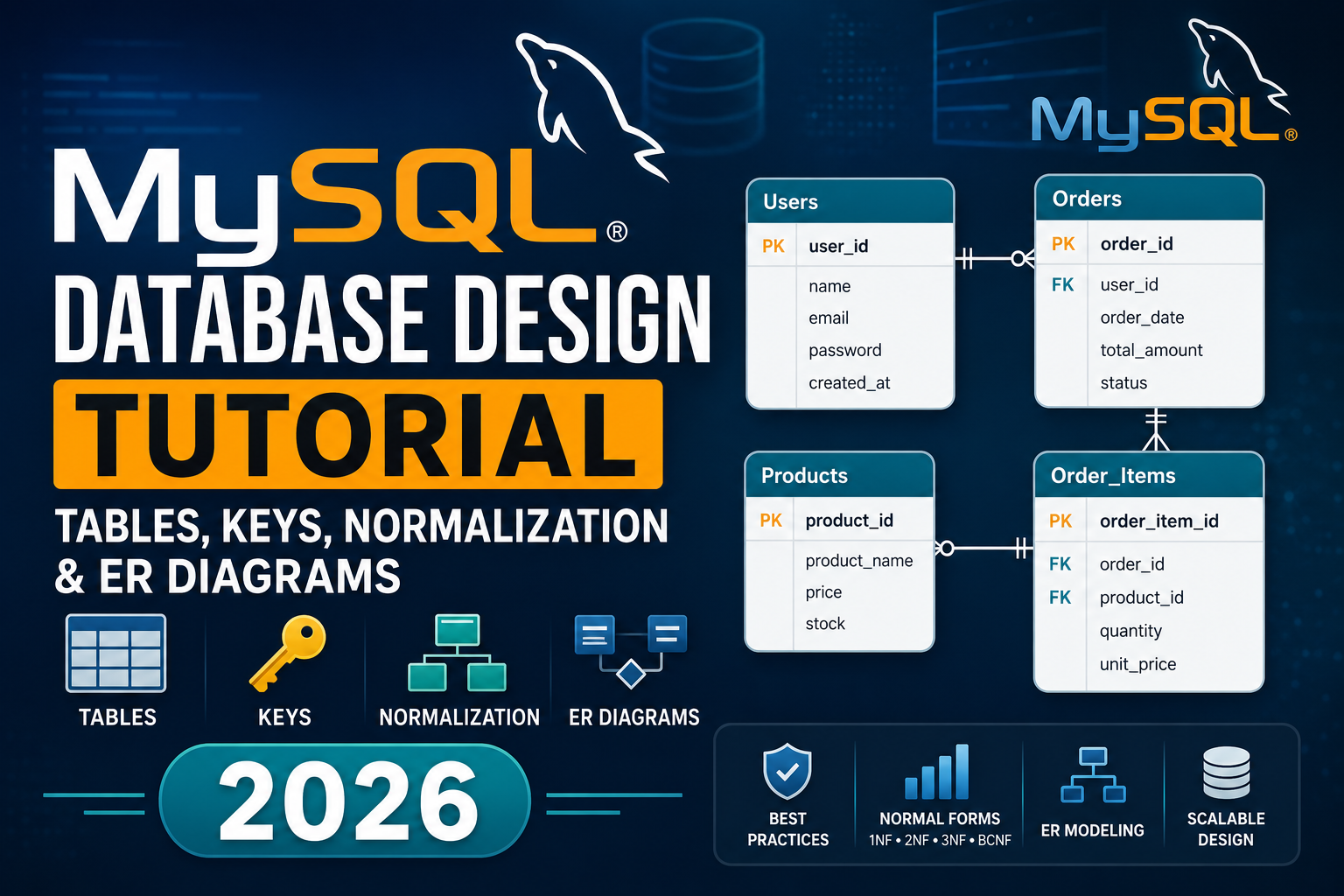
MySQL Database Design Tutorial | Tables, Keys, Normalization & ER Diagrams 2026
Most beginners learn how to write SQL queries fairly quickly. SELECT, INSERT, JOIN — these commands make sense once you practice them a few times. But there is a skill that matters just as much and gets taught far less often: how to design the database itself before you write a single query. Bad database design is one of the most common sources of slow applications, inconsistent data, and maintenance nightmares in real projects. A database that is designed properly from the start is fast to query, easy to extend, and clean to maintain for years. One that is designed carelessly causes problems that no amount of clever SQL can fully fix. This tutorial covers everything you need to know about MySQL database design — tables, keys, relationships, normalization, and ER diagrams — explained in a straightforward way with real examples throughout. Why database design matters before you write any SQL Imagine you are building a student enrollment system. A beginner’s instinct is often to create one big table with everything in it — student name, course name, instructor name, marks, city, phone number, all in a single row. This works at first. Then the problems start. If a student enrolls in three courses, their name, city, and phone number get repeated three times. If they move cities, you have to update three rows instead of one — and if you miss one, your data is now inconsistent. If you want to list all available courses, you cannot do it cleanly because courses are buried inside student rows. Good database design eliminates these problems before they happen. It is the difference between building on a solid foundation and building on sand. Tables — the basic building block of every MySQL database Every piece of data in MySQL lives in a table. A table is a collection of rows and columns, exactly like a spreadsheet. Each column has a name and a data type. Each row is one record. Here is a well-designed students table: sql A few design decisions are already happening here worth understanding: AUTO_INCREMENT PRIMARY KEY on student_id means MySQL automatically assigns a unique number to each new student. You never have to manage this manually. NOT NULL on full_name and email means these fields cannot be left empty. Every student must have a name and email. UNIQUE on email means no two students can share the same email address. MySQL enforces this at the database level — your application does not have to check. DEFAULT (CURRENT_DATE) on joined_date automatically fills in today’s date if no date is provided. These are not just nice-to-haves. They are the constraints that keep your data clean and consistent automatically, without relying on your application code to always behave perfectly. Data types — choosing the right one matters Every column in a MySQL table needs a data type. Choosing the right data type affects storage efficiency, query performance, and data integrity. Data Type What It Stores Example INT Whole numbers student_id, age, quantity DECIMAL(10,2) Exact decimal numbers price, salary, fees FLOAT / DOUBLE Approximate decimals scientific measurements VARCHAR(n) Variable-length text up to n characters name, email, city CHAR(n) Fixed-length text exactly n characters country code, status codes TEXT Long text content description, bio, comments DATE Date only (YYYY-MM-DD) enrollment_date, birthdate DATETIME Date and time created_at, last_login TIMESTAMP Date and time, auto-updates updated_at BOOLEAN / TINYINT(1) True or false is_active, is_verified ENUM One value from a defined list status (‘active’,’inactive’) A common beginner mistake is storing phone numbers as INT. Phone numbers can start with zero and sometimes include country codes with plus signs — they are not mathematical numbers you would add or subtract. Always store phone numbers as VARCHAR. Keys — how MySQL identifies and connects data Keys are what give a database its structure and relational power. Understanding keys is non-negotiable for proper database design. Primary Key A primary key is a column (or combination of columns) that uniquely identifies every row in a table. No two rows can have the same primary key value. No primary key can be NULL. Best practice is to use a surrogate key — a system-generated integer like student_id INT AUTO_INCREMENT — rather than a natural identifier like a name or email. Names can change. Emails can change. A system-generated number never does. sql Foreign Key A foreign key is a column in one table that references the primary key of another table. This is what creates a relationship between tables. sql The FOREIGN KEY constraint tells MySQL: every student_id in the enrollments table must exist in the students table. Every course_id must exist in the courses table. If you try to insert an enrollment for a student that does not exist, MySQL rejects it. This is called referential integrity — the database enforces consistency automatically. Unique Key A unique key ensures that all values in a column are distinct. Unlike a primary key, a unique key column can contain NULL (though only one NULL is allowed). Use it on columns like email, username, or national ID number. Composite Key A composite key uses two or more columns together as a primary key. This is common in junction tables that link two entities. sql Here the combination of student_id and course_id is unique — a student can enroll in many courses, but only once per course. Keys at a glance Key Type Purpose NULL Allowed? Duplicates Allowed? Primary Key Uniquely identifies each row No No Foreign Key Links to primary key of another table Yes (usually No) Yes Unique Key Ensures column values are distinct Yes (one NULL) No Composite Key Multiple columns form one key Depends on usage No (as combination) Index Speeds up queries (not a constraint) Yes Yes Table relationships — the heart of relational design Relational databases are powerful because tables can be connected to each other. There are three types of relationships: One-to-Many (most common) One record in Table A is related to many records in Table B.
Explore More