
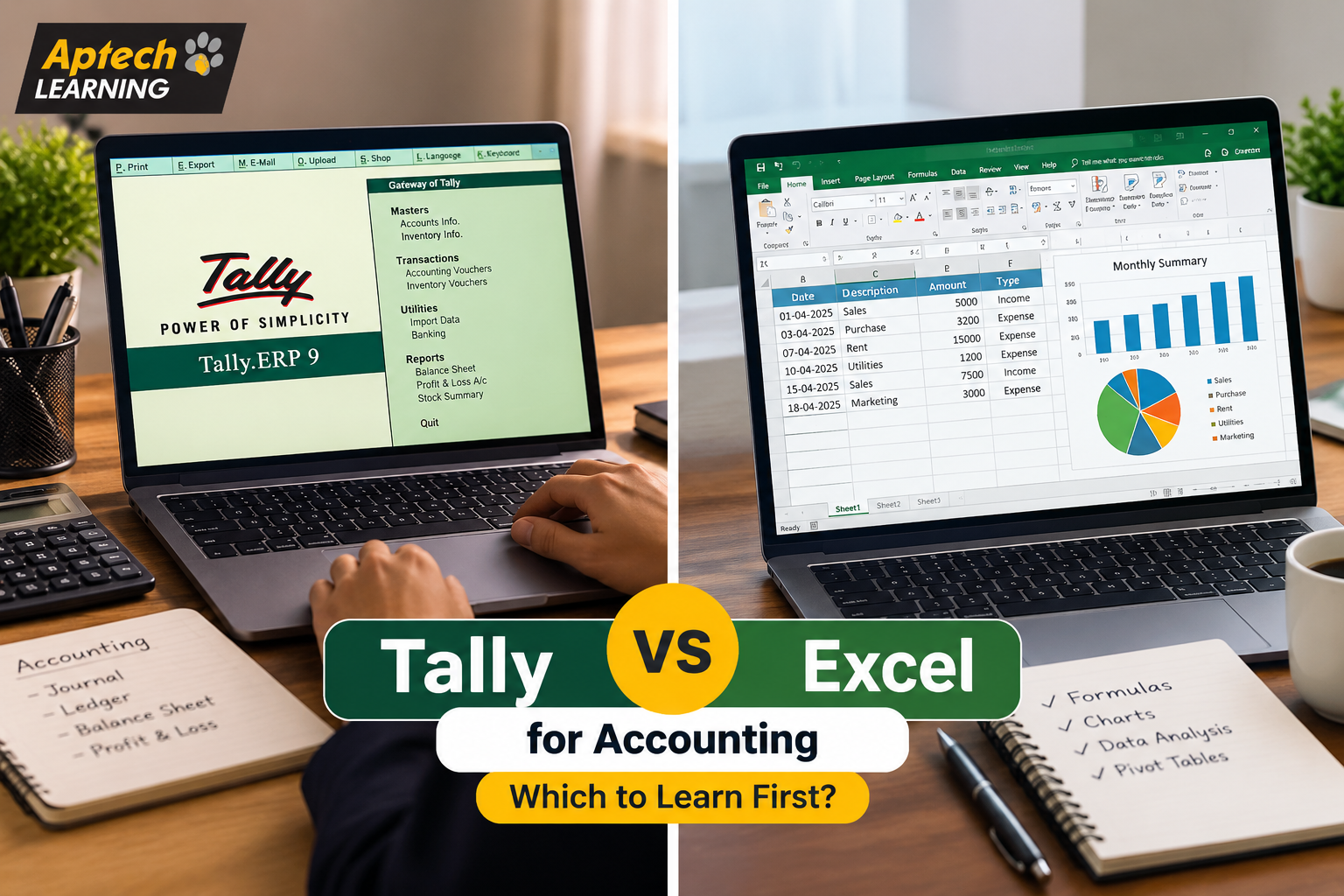
Tally vs Excel for Accounting: Which to Learn First?
What Tally Actually Does Tally is purpose-built accounting software, meaning it was designed from the ground up specifically to handle business accounting tasks. It manages ledgers, records daily transactions like sales and purchases, tracks inventory, handles payroll, manages GST compliance, and automatically generates financial statements like profit and loss reports and balance sheets. The key advantage is that accounting rules are built into the software itself. When you record a transaction in Tally, it automatically applies double-entry accounting principles, updates the relevant ledgers, and keeps everything internally consistent. You do not have to manually build these rules yourself, which significantly reduces the chance of errors in routine accounting work. This is exactly why a huge number of small and mid-sized businesses across India rely on Tally for their day-to-day accounting, and why it appears so frequently in accounting job requirements. What Excel Actually Does Excel is a general-purpose spreadsheet tool, not accounting-specific software. It gives you a blank, flexible grid where you can build practically anything, budgets, financial models, custom reports, data analysis, forecasts, and dashboards, using formulas and functions you construct yourself. The key advantage is exactly that flexibility. Excel does not lock you into any particular structure, which means you can build completely custom analysis that no pre-built software would offer. The trade-off is that this flexibility also means Excel does not automatically enforce accounting rules; if you build a financial model with an error in your formula, Excel will happily calculate the wrong answer without warning you. This is why Excel is used heavily for analysis, planning, and custom reporting in accounting and finance roles, rather than for core transaction recording and compliance work. Why This Comparison Confuses So Many Beginners The confusion mostly comes from the fact that both tools appear in accounting job descriptions, often in the same posting, which makes it seem like they are interchangeable alternatives. They are not. Think of it like comparing a specialised kitchen appliance to a good set of knives. A rice cooker does one specific job extremely well, automatically and consistently. A knife set is far more flexible, you can prepare practically anything with it, but it requires more skill and gives you no built-in safeguards. Most serious cooks own both, using each for what it does best. Tally is the specialised appliance for accounting. Excel is the flexible knife set. Most accounting professionals genuinely use both, just for different parts of their work. Key Differences Between Tally and Excel Aspect | Tally | ExcelPrimary Purpose | Dedicated accounting and compliance software | General-purpose spreadsheet and analysis toolAccounting Rules | Built in automatically | You must build them yourselfGST Compliance | Designed specifically to handle it | Not built for it; requires manual setupFinancial Statements | Generated automatically from recorded data | Must be manually built using formulasFlexibility | More structured, less customisable | Highly flexible and fully customisableError Risk | Lower for routine accounting entries | Higher, since formula errors go undetectedLearning Curve | Structured, focused on accounting workflows | Broader, ranges from basic to very advancedBest Used For | Daily transactions, ledgers, GST, inventory | Analysis, forecasting, budgets, custom reports How Accountants Actually Use Both Together (Step-by-Step) Tally vs Excel vs Learning Both Looking at this as three options, rather than two, is often more useful. Learning only Tally makes sense if your immediate goal is a dedicated accounting role, particularly in a small or mid-sized business or accounting firm where Tally-based work dominates daily responsibilities. Learning only Excel makes sense if your role leans more toward analysis, reporting, or finance rather than pure transaction recording, or if you are in a company that uses different accounting software entirely. Learning both, ideally Tally first for accounting roles, then Excel, generally produces the strongest accounting profile, since real accounting work frequently requires moving between the two. In simple words: Tally handles the recording and compliance side, Excel handles the analysis and custom reporting side, and most experienced accounting professionals genuinely use both regularly. Practical Examples Accountant at a Small Trading Business: The accountant records all daily sales and purchases in Tally for compliance and automatic reporting, then exports data to Excel to build a custom monthly comparison report the owner specifically requested. CA Firm Employee Managing Multiple Clients: An employee uses Tally to manage each client’s books and GST filing separately, while using Excel to maintain a master tracking sheet monitoring filing deadlines across all clients. Finance Executive Building a Budget: A finance executive pulls last year’s actual figures from Tally, then builds the entire next-year budget in Excel, since budgeting involves assumptions that Tally is not designed to model. Fresher Applying for Accounts Jobs: A fresher notices that most local accounting job postings specifically list Tally as a requirement, so they learn Tally first, then add Excel skills afterward to strengthen their profile. Common Mistakes People Make When Choosing Treating them as competing alternatives. They serve different purposes, and choosing “one instead of the other” permanently limits your capability in accounting work. Learning Excel deeply while ignoring Tally for accounting roles. Many Indian accounting job postings specifically require Tally, and strong Excel skills alone may not satisfy that specific requirement. Learning only Tally and never developing Excel skills. This limits your ability to do custom analysis, forecasting, and reporting, which becomes increasingly important at senior levels. Trying to do core accounting entirely in Excel. Building accounting systems from scratch in Excel is error-prone and generally impractical compared to purpose-built software. Choosing based on which tool seems easier rather than which fits the job. Some learners pick Excel because it feels more familiar, even when their target roles specifically require Tally. Not checking actual local job requirements first. The most practical way to decide is looking at what accounting jobs in your city and target industry actually ask for. Career Opportunities Compared Both tools support genuine accounting career paths, though they emphasise different role types. Tally-Focused Career Opportunities Accounts Executive — records daily transactions and manages
Explore More