SQL vs MySQL: What’s the Difference? Explained Simply
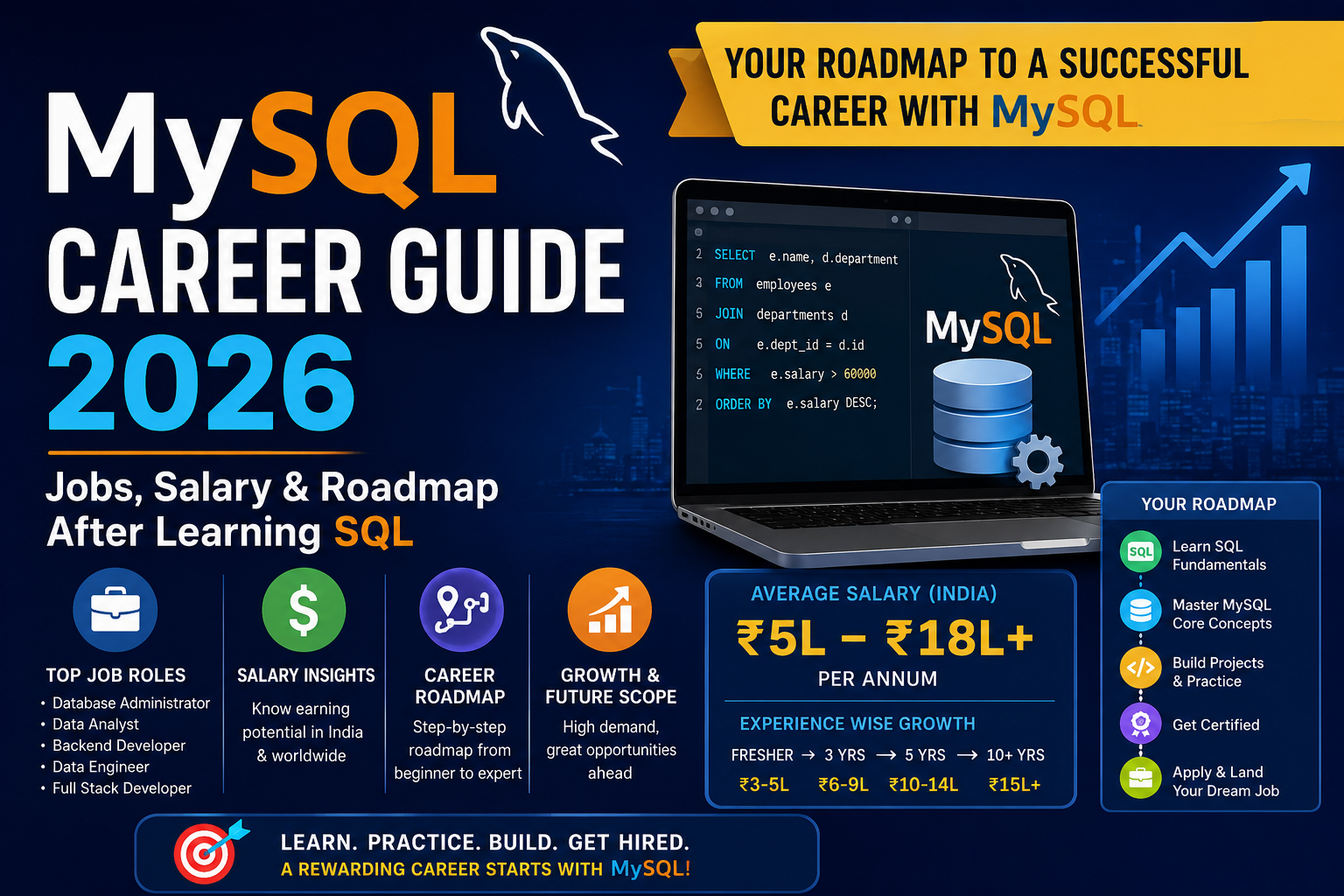
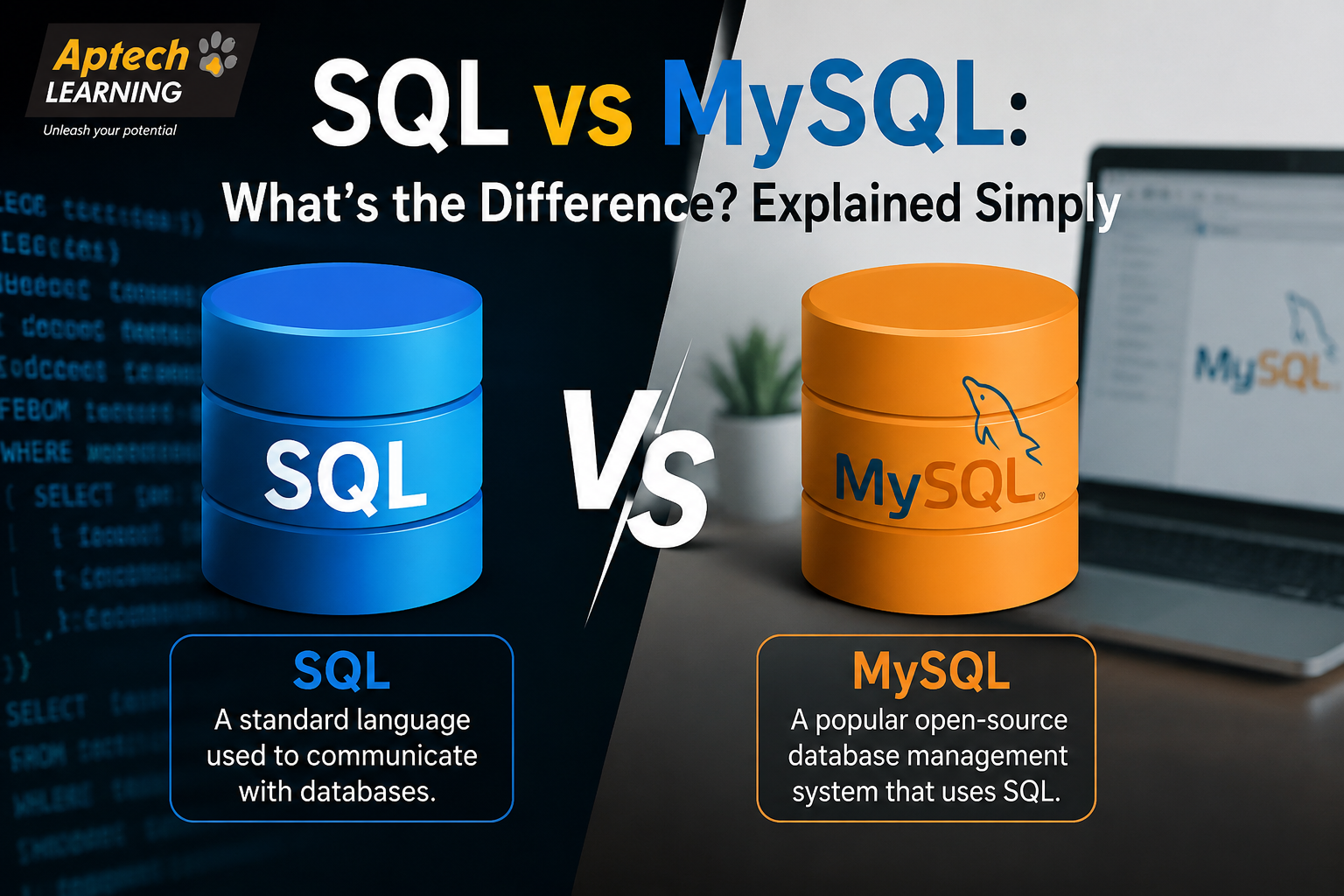
SQL stands for Structured Query Language. It is a standard language used to communicate with relational databases, meaning it lets you ask a database to store data, retrieve data, update data, or delete data, using specific commands. Think of SQL like English grammar rules. Just as grammar rules apply across different books written by different authors, SQL is a set of language rules that applies across many different database systems. You can use SQL to write a command like “show me all customers who placed an order last month,” and that same basic command structure works whether you are using it on one type of database software or another. SQL itself is not software you install. It is a language, similar to how English or Hindi is a language you use to communicate, not a specific app or program. What is MySQL MySQL is a specific relational database management system, meaning it is actual software that stores and manages data, and it uses SQL as the language to interact with that data. It was created to be fast, reliable, and relatively easy to use, which is a big reason it became so popular for websites, applications, and businesses of all sizes. Going back to the language comparison, if SQL is like English grammar, MySQL is like one particular publishing house that uses those grammar rules to actually produce and organise real books. MySQL is the actual system where your data physically lives, gets organised into tables, and can be searched or updated using SQL commands. MySQL is open-source, widely used, and commonly paired with web applications, which is one reason it remains such a popular choice for developers and businesses building websites and software products. Why the Difference Matters Understanding the difference between SQL and MySQL matters for a few practical reasons: It helps you understand what you are actually learning. Learning “SQL” means learning a language, while learning “MySQL” means learning to use one specific database system that uses that language. It clarifies job requirements. Job postings might ask for “SQL skills” broadly, or specifically ask for “MySQL experience,” and understanding the difference helps you read these requirements correctly. It helps when switching between systems. Since SQL is a shared language, your SQL knowledge transfers to other systems like PostgreSQL or SQL Server, even though each system has some of its own specific features. It avoids confusion during interviews or coursework. Being able to clearly explain the difference shows genuine understanding, rather than just memorised terms. It supports better career planning. Knowing this distinction helps you understand what to study first and how different database skills build on each other. How SQL and MySQL Work Together (Step-by-Step) SQL vs MySQL vs Other Database Systems This comparison becomes clearer when other database systems are added into the picture. SQL is the language used across many different relational database systems, not tied to just one specific software. MySQL is one particular database system that uses SQL, known for being fast, open-source, and widely used in web development. Other systems like PostgreSQL, Microsoft SQL Server, and Oracle Database also use SQL as their core language, but each has its own additional features, performance characteristics, and typical use cases. In simple words: SQL is the shared language, MySQL is one popular system that speaks that language, and there are several other systems that also speak SQL with their own unique strengths. Practical Examples E-commerce Website: An online store uses MySQL to store product listings, customer accounts, and order details, and uses SQL queries to retrieve product information whenever a customer searches for an item. Content Management System: A blog or news website might use MySQL to store articles and author information, using SQL to pull the correct article whenever a reader clicks on a headline. Business Reporting: A company uses SQL queries within MySQL to generate a report showing total sales by region, pulling and summarising data stored across multiple related tables. Mobile App Backend: A mobile app might use MySQL as its database, with SQL queries running behind the scenes every time a user logs in, updates their profile, or views their order history. Common Mistakes Beginners Make Assuming SQL and MySQL are the same thing. This is the most common beginner confusion, and it can lead to misunderstanding job requirements and course content. Learning MySQL-specific syntax without understanding core SQL concepts. Some beginners jump straight into MySQL tutorials without first understanding the underlying SQL logic, which can make it harder to switch to other systems later. Skipping practice with real, structured data. Learning SQL commands in isolation without practising on realistic, multi-table datasets makes it harder to apply skills confidently at work. Not learning how tables relate to each other. Understanding relationships between tables is essential, and skipping this concept limits how effectively someone can write meaningful queries. Ignoring database design basics. Beginners sometimes focus only on writing queries without understanding how data should be structured and organised in the first place. Overlooking performance and indexing concepts. As beginners progress, ignoring topics like indexing can lead to slow queries once they work with larger, real-world datasets. Career Opportunities Knowledge of SQL and MySQL supports a wide range of career paths across technical and data-focused roles. Common roles include: Database Administrator — manages, maintains, and secures an organisation’s databases. Data Analyst — uses SQL to extract and analyse data for business reporting and decision-making. Back-End Developer — uses SQL and MySQL to build the data-handling logic behind websites and applications. Data Engineer — builds and manages systems that move and organise large volumes of data, often relying heavily on SQL. Business Intelligence Analyst — uses SQL to pull data that feeds into dashboards and business reports. Software Developer — uses SQL and MySQL as part of building complete applications that require data storage. As experience grows, professionals can move into senior technical roles, specialised database administration, or broader data engineering positions. Salary Information Salary for roles involving SQL and MySQL depends
Explore More