
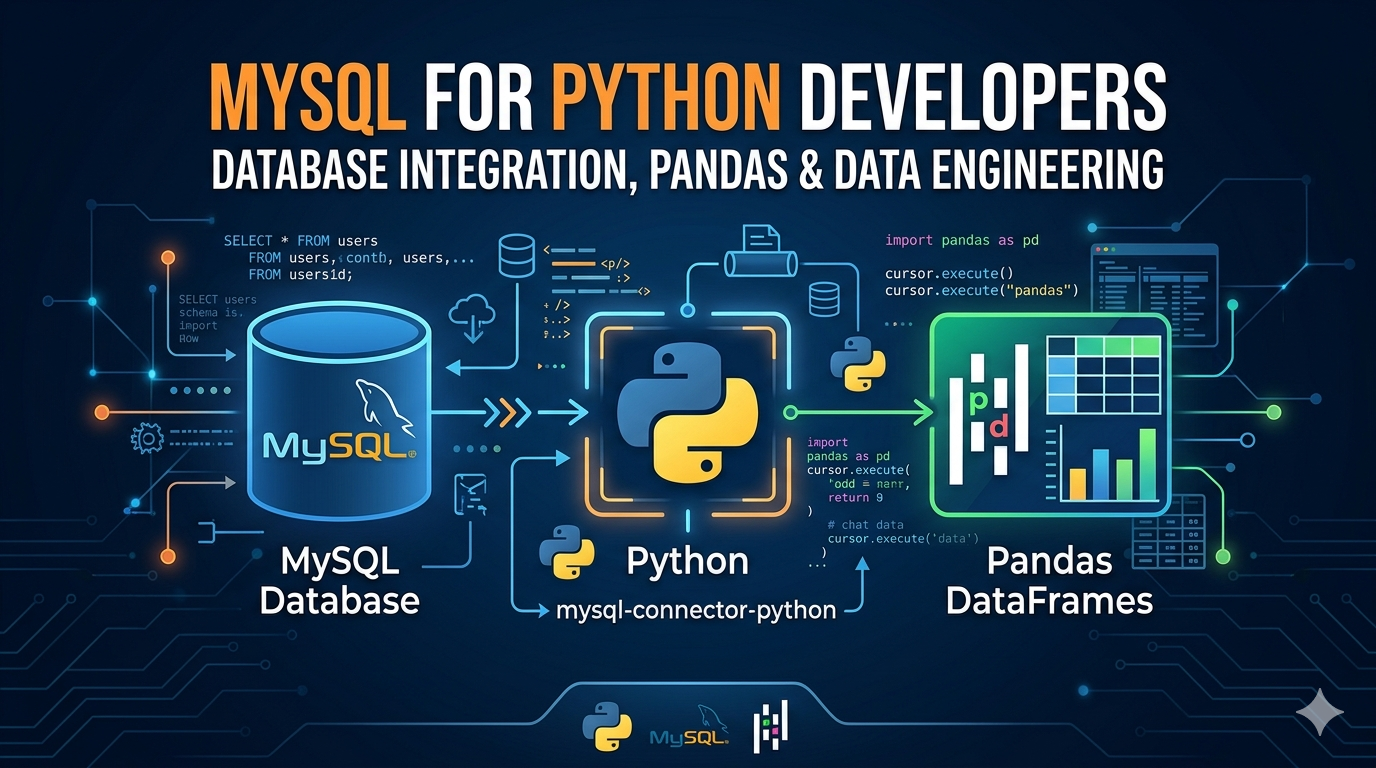
MySQL for Python Developers — Database Integration, Pandas & Data Engineering
If you work with Python and data, MySQL will cross your path sooner or later. Whether you’re building a web app, running analytics pipelines, or just learning backend development — knowing how to connect Python to MySQL cleanly and efficiently is a skill that pays off in almost every data-related job.
The problem is that most tutorials online show you five lines of code, call it a day, and leave you confused when things break in a real project. This guide is different. We’ll go from setting up your first connection all the way to integrating MySQL with Pandas, building data pipelines, and applying real data engineering patterns — with working code at every step.
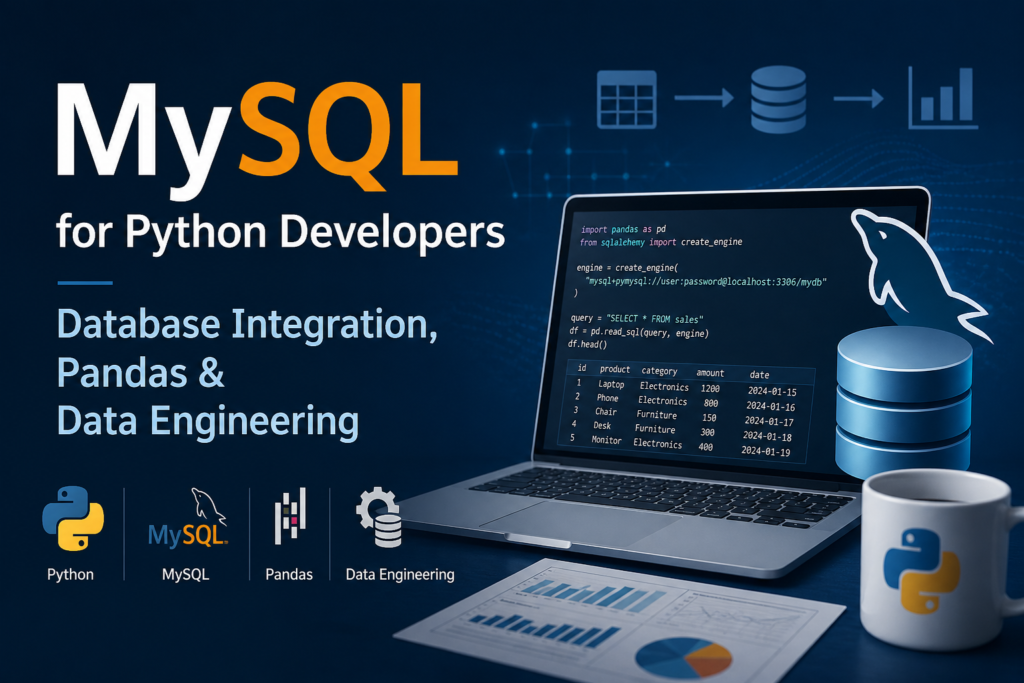
Why MySQL and Python work so well together
MySQL is one of the world’s most widely used relational databases — open source, fast, and supported by virtually every hosting platform on the planet. Python, on the other hand, has become the go-to language for data work, scripting, and backend development. The two naturally complement each other.
In a typical workflow, Python handles the logic — fetching data, transforming it, making decisions — while MySQL handles persistence and structured storage. This pattern shows up everywhere: Django and Flask apps using MySQL as the backend, ETL pipelines pulling production data into analytics databases, data science notebooks querying live databases to analyze customer behavior.
Understanding how to connect these two properly — with connection pooling, error handling, and clean query patterns — is what separates a developer who can get things working from one who builds things that actually hold up in production.
Choosing your connector: mysql-connector-python vs PyMySQL vs SQLAlchemy
Before you write a single line of code, you need to decide which library you’re using to communicate between Python and MySQL. There are three main options, and they’re not interchangeable:
| Option 1 mysql-connector-python Official Oracle library. Pure Python, no extra dependencies. Best for straightforward use cases and learners starting out. | Option 2 PyMySQL Lightweight alternative, also pure Python. Compatible with most MySQL versions and often preferred in legacy codebases and serverless environments. | Option 3 SQLAlchemy The most powerful option. An ORM that abstracts database interactions. Preferred for larger applications, Pandas integration, and data engineering pipelines |
Setting up your Python MySQL connection
Step 1 — Install the library
# Install mysql-connector-python
pip install mysql-connector-python

# Or if you prefer PyMySQL
pip install pymysql

# For SQLAlchemy + MySQL (recommended for data engineering)
pip install sqlalchemy pymysql
Step 2 — Create your first connection
import mysql.connector

connection = mysql.connector.connect(
    host="localhost",
    user="your_username",
    password="your_password",
    database="your_database"
)

if connection.is_connected():
    print("Connected to MySQL successfully")
    print(f"Server version: {connection.get_server_info()}")

connection.close()
Always close your connection when done. Leaving connections open is one of the most common causes of “Too many connections” errors in MySQL, especially in scripts that run repeatedly.
Step 3 — Use environment variables for credentials (never hardcode)
Hardcoding database credentials is a serious security mistake — and one that beginners make all the time. If your code ever ends up on GitHub, those credentials are exposed. The right way to handle this from day one:
import os
import mysql.connector
from dotenv import load_dotenv

load_dotenv()  # loads .env file into environment variables

connection = mysql.connector.connect(
    host=os.getenv("DB_HOST"),
    user=os.getenv("DB_USER"),
    password=os.getenv("DB_PASSWORD"),
    database=os.getenv("DB_NAME")
)
Create a .env file in your project root and add it to .gitignore. This is standard practice and takes two minutes to set up.
CRUD operations in Python — Create, Read, Update, Delete
Once your connection is working, the most common thing you’ll do is perform CRUD operations. Here’s how each one works in Python with MySQL:
Create — inserting data
cursor = connection.cursor()

insert_query = """
    INSERT INTO employees (name, department, salary)
    VALUES (%s, %s, %s)
"""

data = ("Ayesha Khan", "Analytics", 85000)
cursor.execute(insert_query, data)
connection.commit()  # required — changes are not saved without this

print(f"Inserted row ID: {cursor.lastrowid}")
Always use parameterized queries with %s placeholders — never use f-strings or string formatting to build SQL queries. That’s how SQL injection vulnerabilities happen.
Read — fetching data
cursor.execute("SELECT id, name, salary FROM employees WHERE department = %s", ("Analytics",))

rows = cursor.fetchall()

for row in rows:
    print(f"ID: {row[0]}, Name: {row[1]}, Salary: {row[2]}")

# Use fetchone() when you only need a single row
# Use fetchmany(n) when you want to paginate large result sets
Update — modifying records
update_query = "UPDATE employees SET salary = %s WHERE name = %s"
cursor.execute(update_query, (92000, "Ayesha Khan"))
connection.commit()
print(f"Rows affected: {cursor.rowcount}")
Delete — removing records
delete_query = "DELETE FROM employees WHERE id = %s"
cursor.execute(delete_query, (7,))
connection.commit()
print(f"Deleted {cursor.rowcount} row(s)")
Notice that every write operation — INSERT, UPDATE, DELETE — requires a connection.commit() call. Without it, MySQL rolls back your changes when the connection closes. This is not a bug — it’s how transaction-safe databases are supposed to work.
Using Pandas with MySQL — read_sql and to_sql
This is where things get genuinely powerful for data work. Pandas can read directly from MySQL into a DataFrame and write DataFrames back to MySQL — with just a few lines of code. But to do this properly, you need SQLAlchemy to create the database engine that Pandas talks to.
Reading MySQL data into a Pandas DataFrame
import pandas as pd
from sqlalchemy import create_engine

# Create engine — format: dialect+driver://user:password@host/database
engine = create_engine("mysql+pymysql://username:password@localhost/your_database")

# Read an entire table
df = pd.read_sql("SELECT * FROM employees", con=engine)

# Or use a more targeted query
df_filtered = pd.read_sql(
    "SELECT name, salary FROM employees WHERE salary > 80000",
    con=engine
)

print(df_filtered.head())
Writing a Pandas DataFrame back to MySQL
# if_exists options: 'fail', 'replace', 'append'
df.to_sql(
    name="employees_backup",
    con=engine,
    if_exists="replace",
    index=False,      # don't write the DataFrame index as a column
    chunksize=1000    # write in batches for large datasets
)
Use if_exists='append' when you’re adding new rows to an existing table. Use 'replace' only when you intentionally want to drop and recreate the table — it’s destructive.
Reading in chunks for large datasets
When you’re dealing with millions of rows, loading everything into memory at once is a bad idea. Pandas gives you a chunked reading option that processes data in manageable pieces:
chunk_iter = pd.read_sql(
    "SELECT * FROM large_transactions_table",
    con=engine,
    chunksize=50000
)

for chunk in chunk_iter:
    # process each chunk independently
    processed = chunk[chunk["amount"] > 1000]
    processed.to_sql("high_value_transactions", con=engine, if_exists="append", index=False)
MySQL for data engineering — pipelines, bulk inserts, and best practices
If you’re working in data engineering, the expectations go beyond basic CRUD. You need to think about performance, reliability, and how your code behaves when things go wrong. Here are the patterns that matter most:
Bulk inserts with executemany
Inserting rows one by one in a loop is painfully slow. Use executemany() to batch your inserts — it’s often 10–50x faster for large data loads:
records = [
    ("Rahul Sharma", "Engineering", 95000),
    ("Priya Nair",   "Marketing",   72000),
    ("James Osei",   "Data",         110000),
    # ... thousands more rows
]

insert_query = "INSERT INTO employees (name, department, salary) VALUES (%s, %s, %s)"
cursor.executemany(insert_query, records)
connection.commit()
print(f"Inserted {cursor.rowcount} rows")
Connection pooling for applications
In production applications — web APIs, scheduled jobs, background workers — you should never create a new connection for every operation. Connection pooling keeps a set of connections alive and reuses them, which is dramatically more efficient:
from sqlalchemy import create_engine

engine = create_engine(
    "mysql+pymysql://user:password@localhost/mydb",
    pool_size=10,        # keep 10 connections alive
    max_overflow=20,     # allow up to 20 extra in peak load
    pool_timeout=30,     # wait 30 seconds before raising an error
    pool_recycle=3600    # recycle connections every hour
)

# Use the engine as a context manager — connection returns to pool automatically
with engine.connect() as conn:
    result = conn.execute("SELECT COUNT(*) FROM employees")
    print(result.fetchone())
Transaction management and rollback
In any data pipeline where multiple operations depend on each other, you need proper transaction handling. If any step fails, you want to roll everything back — not leave the database in a half-updated state:
try:
    cursor.execute("INSERT INTO orders (customer_id, total) VALUES (%s, %s)", (101, 4500))
    cursor.execute("UPDATE inventory SET stock = stock - 1 WHERE product_id = %s", (55,))
    connection.commit()
    print("Transaction complete")

except mysql.connector.Error as err:
    connection.rollback()  # undo everything if any step fails
    print(f"Transaction failed, rolled back. Error: {err}")
Building a simple ETL pipeline with Python and MySQL
Here’s what a minimal but realistic ETL (Extract, Transform, Load) pattern looks like — extracting data from a source table, transforming it in Pandas, and loading the result into a destination table:
import pandas as pd
from sqlalchemy import create_engine
from datetime import datetime

engine = create_engine("mysql+pymysql://user:password@localhost/mydb")

# EXTRACT
df_raw = pd.read_sql("SELECT * FROM raw_sales WHERE processed = 0", con=engine)

# TRANSFORM
df_raw["revenue"] = df_raw["quantity"] * df_raw["unit_price"]
df_raw["processed_at"] = datetime.now()
df_clean = df_raw.dropna(subset=["customer_id", "product_id"])

# LOAD
df_clean.to_sql("processed_sales", con=engine, if_exists="append", index=False)

print(f"Pipeline complete. {len(df_clean)} rows loaded.")
Common errors and how to fix them
- Access denied for user ‘root’@’localhost’ — your credentials are wrong, or the MySQL user doesn’t have permission for that database. Check your username, password, and run
GRANT ALL PRIVILEGES ON yourdb.* TO 'user'@'localhost';in MySQL. - Can’t connect to MySQL server on ‘localhost’ — MySQL service isn’t running. On Linux:
sudo systemctl start mysql. On Mac:brew services start mysql. - ModuleNotFoundError: No module named ‘mysql’ — you haven’t installed the connector. Run
pip install mysql-connector-pythonin your active environment. - Unread result found — you executed a query but didn’t fetch the results before running another query. Always call
fetchall()after a SELECT even if you don’t need the data. - Lost connection to MySQL server during query — the connection timed out. Use connection pooling with
pool_recycleor reconnect logic for long-running scripts.
Frequently asked questions
How do I connect Python to MySQL?
Install the mysql-connector-python library using pip, then use mysql.connector.connect() with your host, username, password, and database name. Always store credentials in environment variables, not in your code. Once connected, create a cursor object and use it to execute SQL queries.
What is the difference between mysql-connector-python and PyMySQL?
Both are pure Python libraries that let you connect to MySQL. mysql-connector-python is the official driver maintained by Oracle and supports the latest MySQL features. PyMySQL is a community-maintained alternative that’s slightly more lightweight and often preferred in serverless environments or when working with older MySQL versions. For most new projects, either works — mysql-connector-python is the safer default.
How do I read MySQL data into a Pandas DataFrame?
Use SQLAlchemy to create a database engine, then pass it to pandas.read_sql() along with your SQL query. This returns a DataFrame with all the query results. For large tables, use the chunksize parameter to process data in smaller batches instead of loading everything into memory at once.
Why do I need to call commit() after INSERT or UPDATE?
MySQL uses transactions, which means changes are staged in memory until you explicitly confirm them. Calling connection.commit() tells MySQL to permanently write those changes to disk. If you close the connection without committing, MySQL automatically rolls back all uncommitted changes. This behavior is intentional — it protects your data from partial writes caused by errors or crashes.
What is SQLAlchemy and why is it better for data engineering?
SQLAlchemy is a Python SQL toolkit and Object Relational Mapper (ORM) that abstracts database interactions into Python objects. For data engineering specifically, it’s preferred because it integrates natively with Pandas through read_sql and to_sql, supports connection pooling out of the box, and makes it easier to switch databases without rewriting your code.
How do I speed up bulk inserts in Python MySQL?
Use cursor.executemany() instead of calling execute() in a loop. This batches the inserts into a single database round-trip, which can be 10 to 50 times faster depending on the number of rows. For very large datasets, Pandas to_sql with a chunksize argument is another efficient option.
Conclusion
Connecting Python to MySQL is genuinely one of the most useful technical skills you can build as a developer or data professional. Once you understand the fundamentals — clean connections, parameterized queries, transaction management — you can apply these patterns to almost any database-driven project.
The real jump in capability comes when you combine MySQL with Pandas and SQLAlchemy. At that point, you’re not just fetching data — you’re building pipelines, automating analysis, and handling production-scale data workflows with relatively clean, readable code.
If something in this guide didn’t work as expected, check your connector version and MySQL version first — most compatibility issues come from mismatched library versions. Drop your questions in the comments and we’ll help troubleshoot.