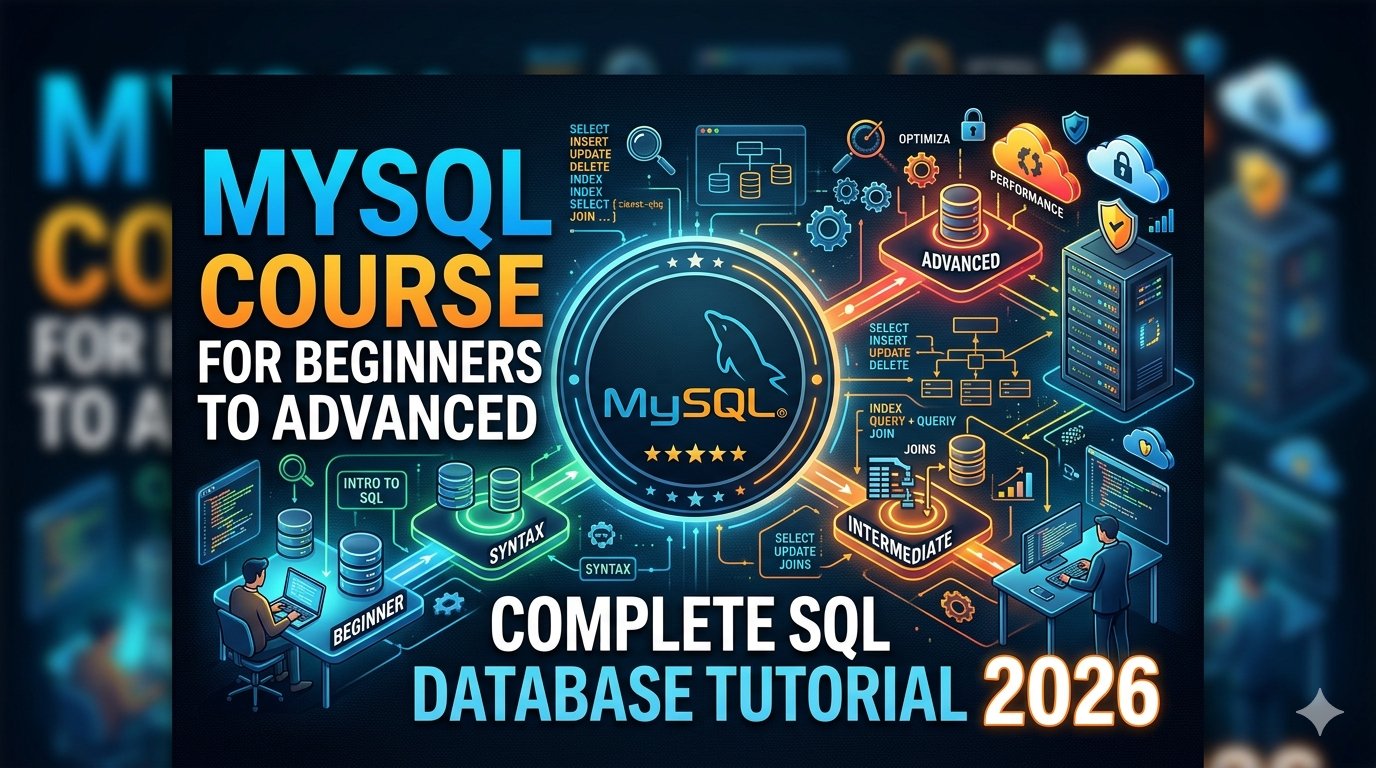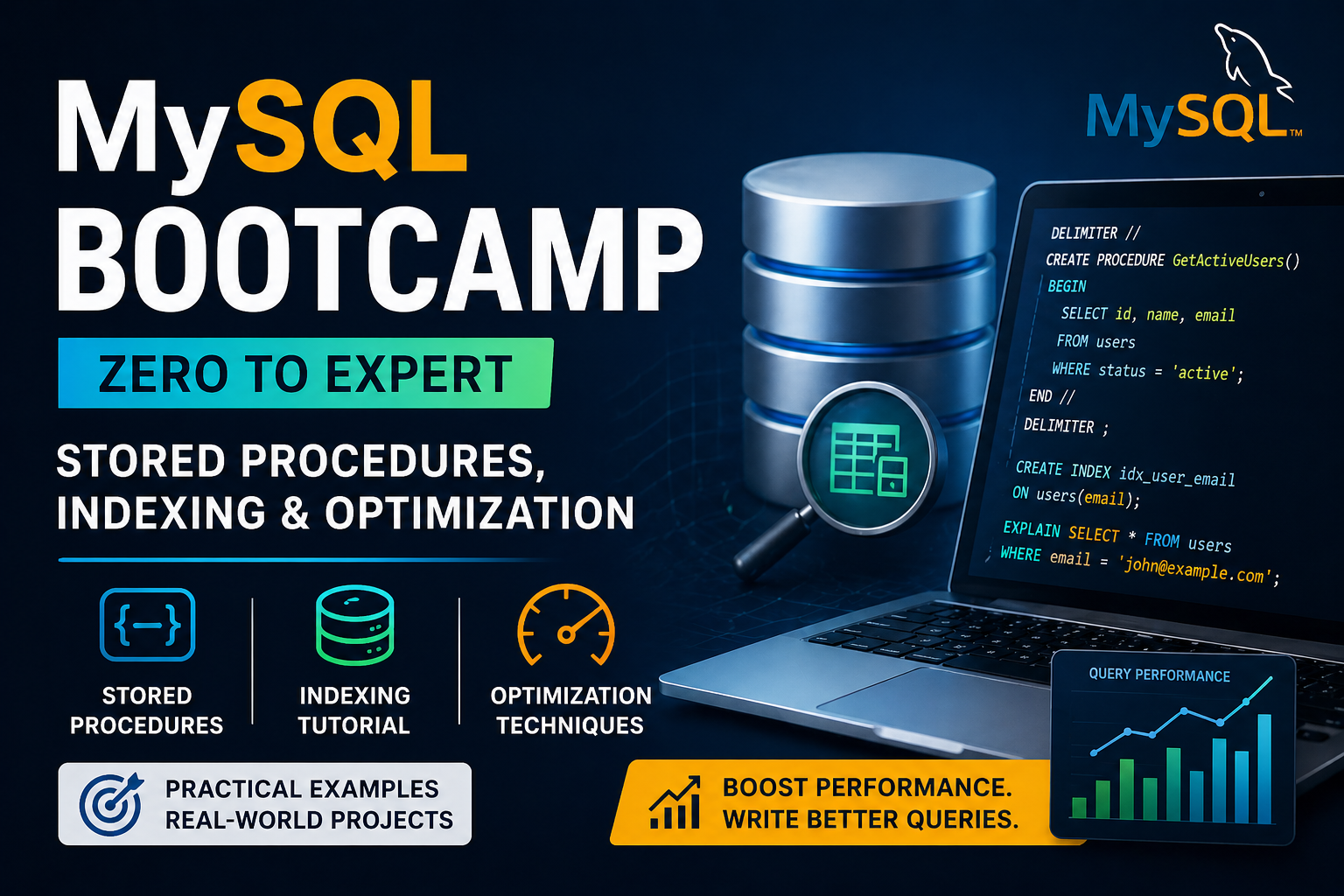
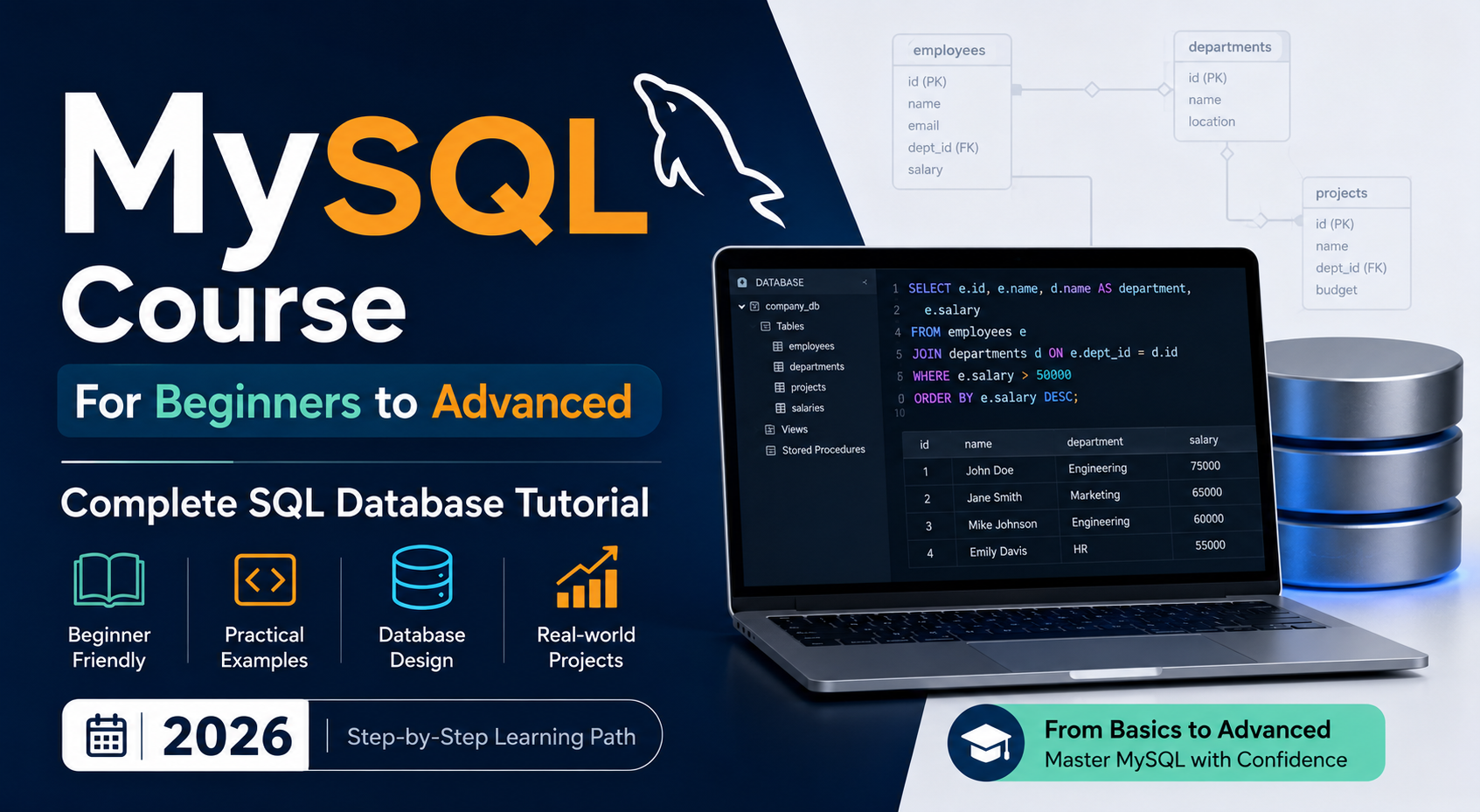
MySQL Course for Beginners to Advanced | Complete SQL Database Tutorial 2026
Learning MySQL in 2026 is one of the smartest moves you can make if you want a career in tech. Whether you want to become a backend developer, data analyst, database administrator, or simply understand how apps store and manage information, MySQL is the skill that gets you there. This guide walks you through everything you need to know — from what MySQL is to how to write advanced queries, design databases, and optimize performance. If you are in Lucknow and want structured classroom training with real instructors, Aptech Learning Lucknow offers a complete MySQL course that takes you from zero to job-ready. What Is MySQL and Why Does It Matter in 2026? MySQL is an open-source relational database management system used by some of the biggest technology companies in the world. Netflix, Uber, Airbnb, Shopify, and Facebook have all used MySQL at significant scale. It stores data in structured tables and uses SQL — Structured Query Language — as the tool to interact with that data. In 2026, MySQL remains the most popular open-source database globally. Every web application, e-commerce platform, banking system, and data analytics pipeline needs a database, and MySQL is almost always part of that infrastructure. Learning it means learning the foundational skill behind how the modern internet works. The best part is that MySQL is completely free to download and use. There is no financial barrier to getting started. Who Is This MySQL Course For? This course is genuinely for everyone. Complete beginners with no programming background can follow it. Web developers who need a proper database foundation will find exactly what they are missing here. Students preparing for campus placements get the SQL interview preparation they need. Data analysts who are tired of Excel’s limitations will discover what a real query language can do. If you have ever wondered how an app remembers your login, stores your order history, or shows you personalised content — MySQL is the answer, and this is where you learn how it works. Complete MySQL Course Curriculum — What You Will Learn SQL Basics and Getting Started You begin by installing MySQL Community Server and MySQL Workbench, both freely available from mysql.com. The first few lessons focus on understanding databases, tables, rows, and columns. You write your first SELECT query, create your first table, and immediately see results — which is the fastest way to stay motivated when learning something new. CRUD Operations — The Core of SQL CRUD stands for Create, Read, Update, and Delete. In MySQL, these map to four commands you will use in every real project: INSERT INTO for adding records, SELECT for reading data, UPDATE for modifying existing records, and DELETE for removing them. These four operations cover the majority of what applications do with databases every single day. Master them and you already have a practical skill. Filtering, Sorting, and Grouping A SELECT query alone gives you all records. Real work requires precise filtering. You learn WHERE to narrow down results, AND and OR to combine conditions, LIKE for pattern matching, IN and BETWEEN for range checks, ORDER BY for sorting, LIMIT to control how many rows come back, and GROUP BY combined with aggregate functions like COUNT, SUM, AVG, MIN, and MAX to summarize data into reports. Clause Purpose Example WHERE Filter rows WHERE city = ‘Lucknow’ ORDER BY Sort results ORDER BY age DESC GROUP BY Group for aggregation GROUP BY department HAVING Filter grouped results HAVING COUNT(*) > 5 LIMIT Control result size LIMIT 10 SQL Joins — The Most Important Topic Joins connect data from multiple tables using a common column. Real databases never store everything in one place — customers are in one table, orders in another, products in a third. Joins are what bring all of that together. You cover INNER JOIN (matching rows from both tables), LEFT JOIN (all rows from the left table plus any matches), RIGHT JOIN (the reverse), and SELF JOIN for comparing rows within the same table. Joins appear in almost every SQL interview, and spending extra time here always pays off. Subqueries and CTEs Subqueries let you write a SELECT inside another SELECT — useful for answering questions that require two steps of logic. CTEs (Common Table Expressions) using the WITH keyword break complex queries into readable, named blocks. Together, these tools let you write analytics queries that answer real business questions clearly and efficiently. Database Design and Normalization Good database design prevents redundancy and keeps data consistent as it grows. You learn how to build entity-relationship diagrams, define primary and foreign keys, and apply the normalization rules — 1NF, 2NF, and 3NF — that separate amateur databases from professional ones. A poorly designed database causes performance problems and data errors for years. Getting this right from the start matters. Stored Procedures and Functions A stored procedure is a block of SQL code saved on the server that your application can call by name. Instead of sending multiple queries, you execute one procedure that handles everything internally. You learn how to write procedures with IN and OUT parameters, create user-defined functions, use IF/ELSE logic, and implement WHILE loops — skills that make your MySQL knowledge look like actual programming. Transactions and ACID Properties When multiple database operations need to succeed or fail together — like a bank transfer where both debit and credit must complete — transactions provide that guarantee. You learn BEGIN, COMMIT, and ROLLBACK, and understand the four ACID properties (Atomicity, Consistency, Isolation, Durability) that define how reliable database systems behave. Indexing and Query Optimization This is where the course moves into advanced territory. An index is a data structure that lets MySQL find rows instantly instead of scanning millions of records. You learn B-Tree indexes, composite indexes, covering indexes, and FULLTEXT indexes. You use the EXPLAIN command to read MySQL’s query execution plan and identify exactly why a query is slow. This skill is what separates developers who write working SQL from those who write fast, production-ready
Explore More