
Cart

Your cart is currently empty.

Sub Total: 0.00

Category: MYSQL

Career Outcomes After MySQL Bootcamp 2026

Career Outcomes After MySQL Bootcamp 2026 | Jobs, Salary & Career Growth

Database management has become one of the most important skills in today’s technology-driven world. Every company — from startups to multinational corporations — relies on databases to store, organize, and manage information efficiently. This growing demand has made MySQL Bootcamps highly popular among students and working professionals. If you are planning to enroll in a MySQL Bootcamp in 2026, understanding the career outcomes can help you make a smart decision. A practical SQL and database training program can open doors to multiple job opportunities in IT, analytics, software development, and cloud computing. In this guide, we’ll explore the best career options, skills, salaries, and future growth opportunities after completing a MySQL Bootcamp. Why MySQL Skills Are in High Demand MySQL is one of the world’s most widely used relational database management systems. Companies use it for websites, applications, analytics systems, customer management platforms, and cloud-based services. Industries Using MySQL Industry Usage of MySQL IT & Software Application databases eCommerce Customer & order management Banking Transaction storage Healthcare Patient records Education Student management systems Digital Marketing Analytics reporting Because data is growing rapidly, companies need professionals who can manage databases efficiently. What You Learn in a MySQL Bootcamp A professional MySQL Bootcamp focuses on practical database skills instead of only theoretical concepts. Core Topics Covered Module Skills Included SQL Basics Queries, Tables, Databases Advanced SQL Joins, Views, Indexing Database Design Schema & Relationships Data Management CRUD Operations Performance Optimization Query Optimization Real Projects Industry Database Scenarios Backup & Security Data Protection Concepts This hands-on learning approach helps students become job-ready faster. Top Career Outcomes After MySQL Bootcamp One of the biggest advantages of learning MySQL is career flexibility. SQL skills are useful in multiple technology roles. Popular Job Roles in 2026 Job Role Main Responsibilities SQL Developer Write & manage database queries Database Administrator Maintain database performance Data Analyst Analyze and organize business data Backend Developer Work with databases in applications BI Analyst Generate business insights Data Support Executive Manage data systems Junior Database Engineer Database optimization tasks These roles are available in both startups and large enterprises. Salary Scope After SQL Training Salary depends on practical skills, certifications, projects, and location. However, SQL professionals continue to enjoy strong demand across industries. Estimated Career Growth Scope Experience Level Career Potential Fresher Entry-level database roles 1–2 Years SQL Developer & Analyst roles 3+ Years Senior DBA & Data Engineer roles Candidates with strong SQL + analytics knowledge often get better opportunities in the tech industry. Why Companies Prefer Candidates with Practical SQL Skills Recruiters today prefer candidates who can solve real database problems instead of only knowing theoretical definitions. Important Practical Skills Hands-on project training gives candidates a competitive advantage during interviews. Benefits of Joining a MySQL Bootcamp A structured MySQL training program helps students learn quickly with proper guidance. Benefit Advantage Short-Term Learning Faster skill development Beginner Friendly Easy for non-programmers Live Projects Real industry experience Certification Resume credibility Placement Support Interview preparation Flexible Learning Online & offline options Bootcamps are especially useful for students who want job-ready technical skills within a short duration. Future Scope of MySQL in 2026 and Beyond Even with the rise of modern cloud technologies, SQL databases remain essential for businesses worldwide. Future Demand Areas Technology Area MySQL Usage Web Development Backend databases Data Analytics Structured data analysis Cloud Applications Cloud-hosted databases SaaS Platforms Customer data management AI & Automation Data storage systems Professionals who combine SQL with Python, Power BI, or cloud skills can unlock even better career opportunities. How to Choose the Right MySQL Bootcamp Before joining any training program, compare these important factors: Checklist Importance Updated Curriculum Industry relevance Practical Projects Hands-on learning Experienced Trainers Better guidance Certification Career credibility Placement Assistance Job preparation Flexible Schedule Learning convenience Choosing the right institute can make a huge difference in your career growth. Frequently Asked Questions | Aptech Learning Mahanagar Conclusion Completing a MySQL Bootcamp in 2026 can be a valuable step toward building a successful tech career. SQL remains one of the most essential skills in software development, analytics, and database management. Whether you are a student, fresher, or working professional, learning MySQL can improve your technical expertise and increase your job opportunities. With practical projects, industry-focused training, and certification, a MySQL Bootcamp helps candidates become job-ready in a competitive market. As businesses continue relying on structured data systems, skilled SQL professionals will remain in demand for years to come.

Explore More

MySQL Interview Questions & Answers 2026

MySQL Interview Questions & Answers 2026 | SQL Practice for Freshers & Job Seekers

In 2026, companies are actively hiring professionals with database and SQL skills. From startups to large IT companies, MySQL remains one of the most widely used relational database management systems in the world. If you are preparing for technical interviews after 12th, graduation, BCA, B.Tech, or any IT course, learning MySQL can help you secure better job opportunities. Many recruiters ask SQL and MySQL interview questions during technical rounds because databases are an important part of software development, data analytics, web development, and backend engineering. In this guide, we will cover the most commonly asked MySQL interview questions and answers for freshers and job seekers. If you want professional MySQL training with practical projects, visit Aptech Learning Lucknow for career-focused IT courses. What is MySQL? MySQL is an open-source relational database management system used to store, manage, and retrieve data efficiently. It uses SQL (Structured Query Language) to interact with databases. Popular websites, applications, and software platforms use MySQL because it is fast, reliable, and easy to learn. 1. What is the difference between MySQL and SQL? SQL is a language used to manage databases, while MySQL is a database management system that uses SQL. Example: 2. What are the different types of SQL commands? SQL commands are mainly divided into: Examples: 3. What is a Primary Key? A Primary Key uniquely identifies each record in a table. It cannot contain NULL values or duplicate values. Example: 4. What is the difference between WHERE and HAVING? Example: 5. What is normalization in MySQL? Normalization is the process of organizing data to reduce redundancy and improve database efficiency. Common normal forms: 6. What is the difference between DELETE, DROP, and TRUNCATE? Command Purpose DELETE Removes selected rows TRUNCATE Removes all rows quickly DROP Deletes the complete table 7. What is a JOIN in MySQL? JOIN is used to combine records from multiple tables. Types of JOIN: Example: 8. What is the use of the GROUP BY clause? GROUP BY is used to arrange similar data into groups. Example: 9. What is indexing in MySQL? Indexes improve database query performance by allowing faster data retrieval. Example: 10. What is the difference between CHAR and VARCHAR? CHAR VARCHAR Fixed length Variable length Faster Saves storage space Important SQL Practice Questions for Freshers To crack interviews in 2026, students should practice real SQL queries regularly. Here are some common practice tasks: Practical SQL experience is often more valuable than theoretical knowledge during interviews. Career Opportunities After Learning MySQL MySQL skills can help you apply for roles such as: Companies in India and abroad continue to hire candidates with database management skills because data handling is essential in almost every industry. Why Learn MySQL in 2026? Here are some major reasons why MySQL is still in demand: Students who combine MySQL with Python, Data Analytics, or Web Development can build even stronger career opportunities. Learn MySQL with Practical Training If you are looking for professional MySQL and SQL training with live projects, interview preparation, and certification support, Aptech Learning Lucknow offers industry-oriented IT courses designed for students and job seekers. The right training program can help you improve practical skills, confidence, and placement opportunities. Frequently Asked Questions | Aptech Learning Mahangar Conclusion MySQL continues to be one of the most important skills for students and job seekers in 2026. Whether you want to become a software developer, data analyst, or backend engineer, SQL knowledge can significantly improve your career opportunities. By practicing interview questions, working on SQL queries, and learning database concepts properly, you can perform better in technical interviews and increase your chances of getting hired. Start learning today, build practical projects, and prepare yourself for the growing demand in database and analytics careers.

Explore More
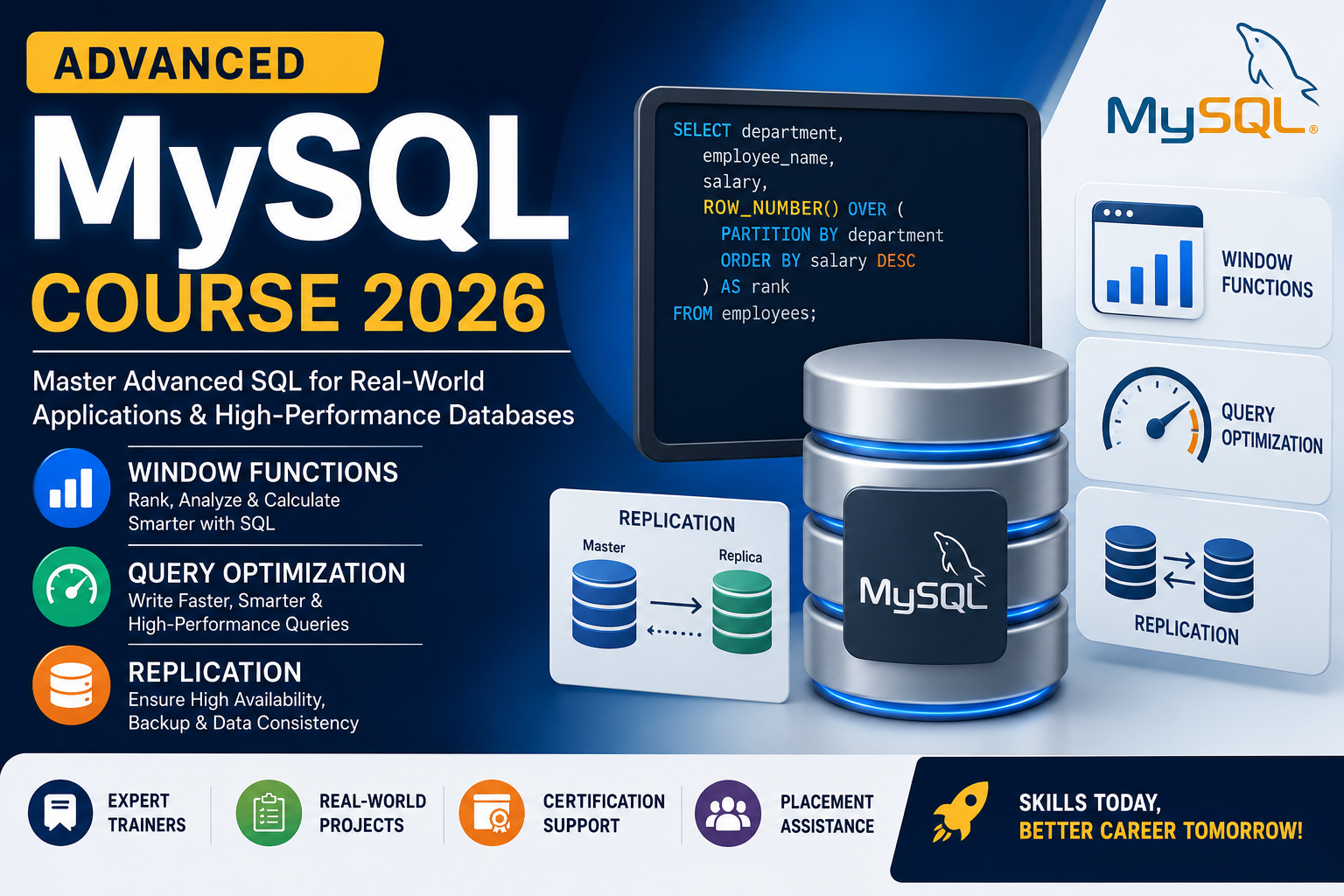
Advanced MySQL Course 2026

Advanced MySQL Course 2026 | Window Functions, Query Optimization & Replication

Modern companies generate huge amounts of data every day. From eCommerce websites to banking systems and AI-powered applications, databases are the backbone of every digital platform. Because of this, professionals with advanced MySQL skills are now in high demand. If you already know basic SQL and want to become an industry-ready database expert, joining an Advanced MySQL Course in 2026 can be one of the smartest career decisions. At Aptech Learning Lucknow, students learn real-world MySQL concepts including Window Functions, Query Optimization, Replication, Indexing, Performance Tuning, and Database Administration through practical training and live projects. What You Will Learn in the Advanced MySQL Course This course is designed for students, freshers, software developers, backend engineers, and database administrators who want advanced-level database expertise. 1. Advanced SQL Queries You will learn how to write powerful SQL queries used in real-world applications. Topics Covered: These concepts help developers manage and retrieve large datasets efficiently. 2. Window Functions in MySQL Window Functions are among the most important features in modern SQL development. They allow developers to perform calculations across rows without grouping data permanently. You Will Learn: Why Window Functions Matter Companies use Window Functions for: Learning these functions can significantly improve your SQL expertise and interview performance. 3. Query Optimization & Performance Tuning Slow queries can affect website speed and application performance. This module teaches how to optimize SQL queries for faster execution. Key Concepts: Benefits of Learning Query Optimization These skills are highly valued in IT companies and startups. 4. MySQL Replication Replication is one of the most important topics for database administrators and backend developers. In This Module You Will Learn: Replication helps businesses ensure data security, fault tolerance, and better performance. 5. Real-Time Database Projects Practical learning is essential in database training. At Aptech Learning Lucknow, students work on live projects such as: These projects improve practical understanding and help students build strong portfolios. Why Advanced MySQL Skills Are in Demand in 2026 With the rapid growth of AI, Data Analytics, Web Development, and Cloud Computing, database professionals are becoming increasingly important. Industries Hiring MySQL Professionals Industry Role Examples IT Companies SQL Developer, DBA E-commerce Database Engineer Banking Data Analyst Healthcare Backend Developer Startups Full Stack Developer SaaS Companies Database Administrator Companies prefer candidates who can optimize database performance and manage large-scale systems efficiently. Who Should Join This Course? This course is ideal for: Even beginners with basic SQL knowledge can gradually move toward advanced concepts. Career Opportunities After Completing the Course After completing the Advanced MySQL Course, students can apply for roles such as: Average Salary in India (2026) Experience Level Average Salary Fresher ₹3 LPA – ₹5 LPA 2–4 Years ₹6 LPA – ₹10 LPA Senior Professional ₹12 LPA+ Why Choose Aptech Learning Lucknow? Key Advantages Students receive hands-on experience that prepares them for real company environments. Future Scope of MySQL in 2026 Despite the rise of modern databases, MySQL continues to dominate web applications, enterprise systems, and cloud platforms. Popular companies still rely heavily on MySQL because it is: Learning advanced MySQL concepts can open doors in software development, analytics, and cloud engineering. Frequently Asked Questions | Aptech Learning Mahanagar Conclusion The demand for skilled database professionals is increasing rapidly in 2026. Companies are looking for candidates who understand not just SQL basics but also advanced concepts like Window Functions, Query Optimization, and Replication. If you want to build a strong career in database management, backend development, or data analytics, enrolling in an Advanced MySQL Course is a smart investment for your future. Aptech Learning Lucknow provides practical training, live projects, and career-focused learning to help students become job-ready database professionals.

Explore More
Free MySQL Course 2026

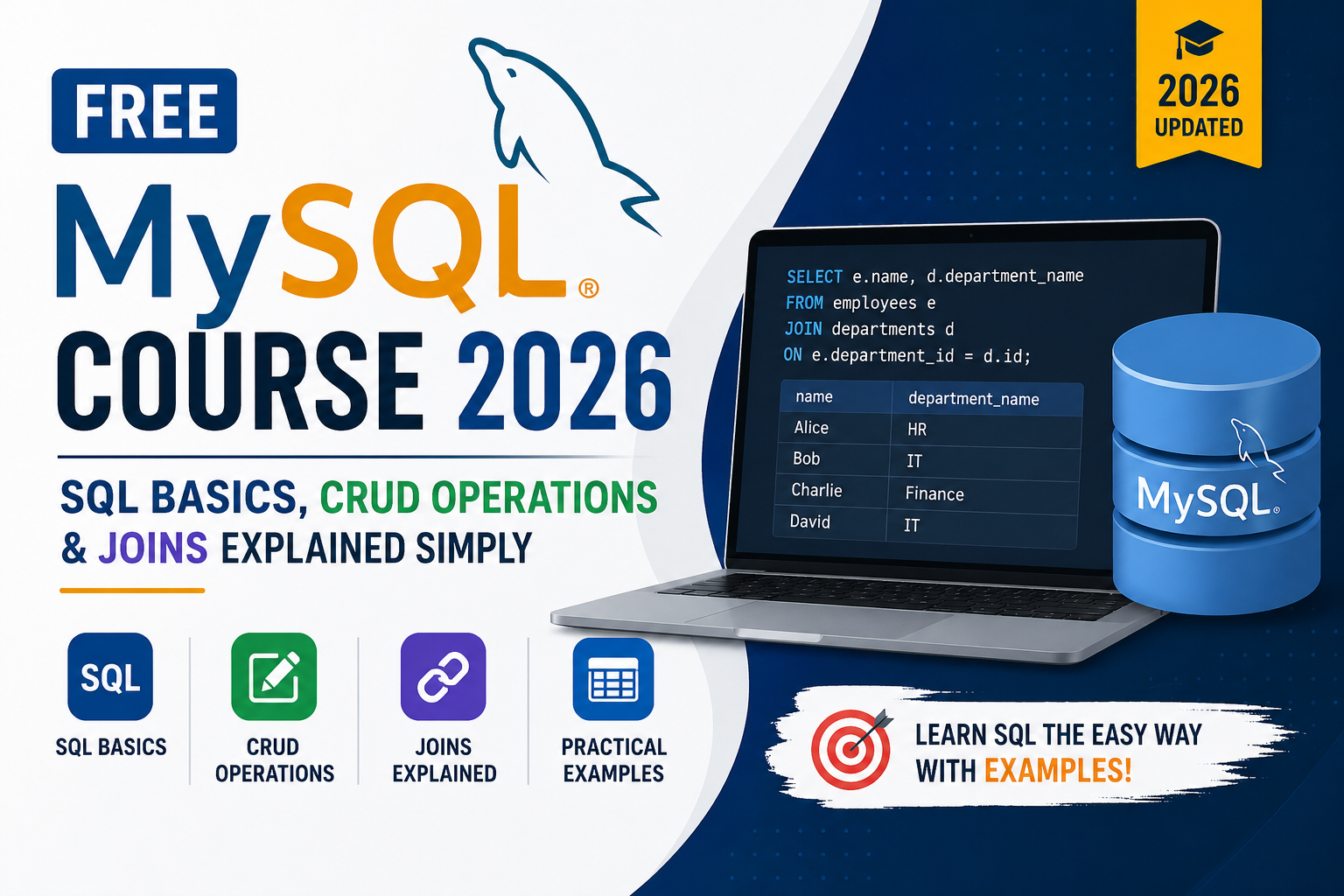
Free MySQL Course 2026 | SQL Basics, CRUD Operations & Joins Explained Simply

Learning MySQL does not have to cost you anything. In 2026, some of the most in-demand tech skills — including SQL and database management — are completely accessible to anyone willing to put in the time. This free MySQL course guide covers everything a beginner needs to get started: what MySQL is, how SQL basics work, how to write CRUD operations, and how to use joins to connect data from multiple tables. If you are a student in Lucknow, a fresher preparing for job interviews, or simply someone who wants to understand how databases work, this guide is written specifically for you. And if you ever want to go deeper with instructor-led training and placement support, Aptech Learning Lucknow offers structured MySQL courses that take you well beyond the basics. Let us start from the very beginning. What Is MySQL and Why Is It Free? MySQL is an open-source relational database management system. Open-source means the core software is maintained and distributed freely. Anyone can download it, install it, and use it without paying a license fee. That is one of the main reasons MySQL became so popular — there is no financial barrier to entry. MySQL was originally developed in 1995 and later acquired by Oracle Corporation. Despite the acquisition, the community edition remains free and is what most learners, developers, and small businesses use day to day. The paid enterprise version exists for large organizations that need advanced support and features, but for learning purposes — and honestly, for most professional purposes too — the free version is more than enough. The software MySQL uses is called SQL, which stands for Structured Query Language. SQL is the language you write to communicate with the database. You type a query, MySQL reads it, executes it against the stored data, and returns a result. The relationship between SQL and MySQL is simple: SQL is the language, MySQL is the system that speaks it. In 2026, MySQL powers some of the largest platforms in the world. Facebook’s early infrastructure ran on it. YouTube, Twitter, Shopify, Airbnb, Uber — they all use MySQL or have used it at significant scale. When you learn MySQL, you are learning the same database technology that runs a meaningful portion of the internet. What Do You Need to Get Started for Free? The entire MySQL learning stack is free. Here is exactly what you need to download and install before writing your first query. MySQL Community Server is the actual database engine. It runs in the background on your computer and stores all your data. Download it from mysql.com under the community downloads section. It is available for Windows, macOS, and Linux. MySQL Workbench is the graphical interface that lets you interact with your database visually. Instead of typing commands into a black terminal window, Workbench gives you a clean editor where you write SQL, run queries, and see results in a table format. It is also free and available from the same download page. Sample databases are provided by MySQL itself — the Sakila database (modeled after a DVD rental store) and the World database (containing country, city, and language data) are both free to download and perfect for practice. You will use these throughout this guide. That is the complete setup. No subscriptions, no trial periods, no credit cards. Total cost: zero. Understanding SQL Basics — The Foundation of Everything Before you write a single line of SQL, it helps to understand what you are actually working with. A MySQL database is made up of tables. A table is exactly what it sounds like — rows and columns, similar to a spreadsheet. Each row represents one record. Each column represents one attribute of that record. Imagine a table called students. It might have columns for student ID, name, email, age, and enrollment date. Every student in the database gets one row, and each piece of information about them fills a column in that row. SQL gives you the tools to create those tables, fill them with data, retrieve specific records, update existing information, and delete records you no longer need. Almost everything you will ever do in MySQL comes down to those four actions — and there is a specific set of commands for each one. Here is how the most foundational SQL commands map to what they do: SQL Command Action Plain English Meaning SELECT Read data “Show me this data” INSERT INTO Create data “Add this new record” UPDATE Modify data “Change this existing record” DELETE Remove data “Remove this record” CREATE TABLE Build structure “Create a new table” DROP TABLE Remove structure “Delete an entire table” ALTER TABLE Modify structure “Add or change a column” These commands form the foundation. Everything else in MySQL — joins, subqueries, stored procedures, indexing — builds on top of your understanding of these basics. CRUD Operations Explained Simply CRUD is an acronym that stands for Create, Read, Update, Delete. These four operations cover every possible thing you can do with data in a database. Every application you have ever used — a banking app, an e-commerce site, a social media platform — performs CRUD operations constantly in the background. Here is each one explained with a real example using a simple students table. Creating a Table First Before you can do anything with data, you need a table to hold it. Here is how you create the students table: sql The AUTO_INCREMENT means MySQL automatically assigns a unique number to each new student. PRIMARY KEY means student_id uniquely identifies every row. NOT NULL means the name field cannot be left empty. UNIQUE on email means no two students can share the same email address. C — Create (INSERT INTO) Adding new records to a table uses the INSERT INTO command. sql You write the table name, list the columns you are filling, and then provide the actual values in the same order. R — Read (SELECT) Retrieving data is what you will write most

Explore More
MySQL Course for Beginners to Advanced

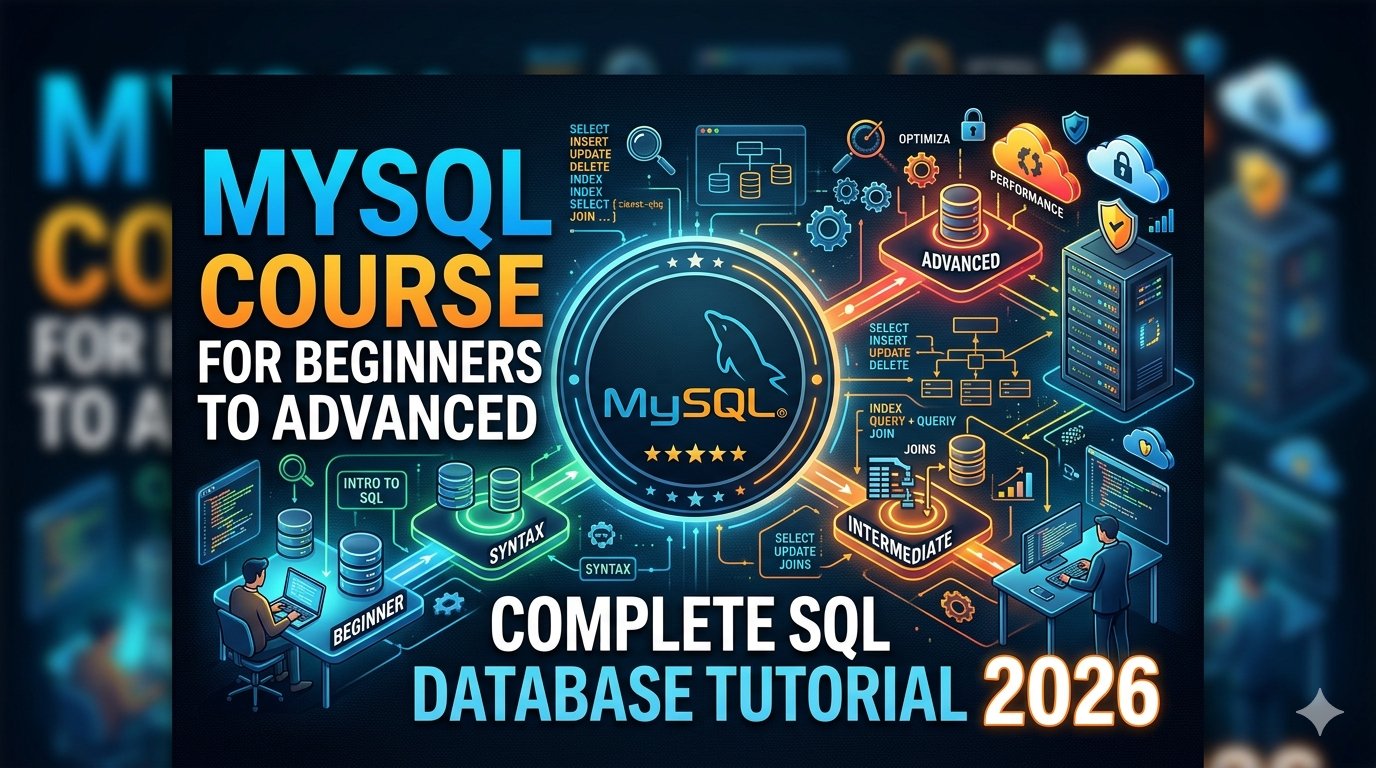
MySQL Course for Beginners to Advanced | Complete SQL Database Tutorial 2026

If you have been thinking about learning MySQL but don’t know where to start, you are in exactly the right place. This guide walks you through everything — from what MySQL actually is, why it matters in 2026, and how you can go from zero knowledge to writing advanced SQL queries, building databases, and landing real tech jobs. Whether you are a student, a developer, a data analyst, or someone switching careers, this complete MySQL tutorial covers all the ground you need to cover. And if you are in Lucknow and want hands-on, instructor-led training, Aptech Learning Lucknow offers a structured MySQL course that takes you from beginner to job-ready. Let’s get started. What Is MySQL and Why Should You Learn It in 2026? MySQL is an open-source relational database management system. In plain English — it is the software that stores, organizes, and retrieves data for applications. Every time you log into a website, place an order, or check your bank balance, there is a database running quietly in the background, and more often than not, it is MySQL. In 2026, MySQL powers some of the biggest platforms on the internet. Netflix uses it. Uber uses it. Airbnb, Shopify, Twitter, Facebook — the list goes on. It is consistently ranked as the most popular open-source database in the world, and that has been true for over a decade straight. So why should you learn it right now? Because data is everywhere. Every company, whether it is a startup or a Fortune 500, generates and stores data. The people who know how to manage that data — how to query it, structure it, and pull insights from it — are in extremely high demand. MySQL is the foundation skill that gets you into that world. It is free to learn, widely supported, and one of the first things employers look for in a backend developer, data analyst, or database administrator role. Who Should Take a MySQL Course? Before diving into the technical content, it helps to understand whether MySQL is the right fit for you. The short answer is — it probably is, regardless of your background. Complete beginners who have never touched a database before will find MySQL surprisingly approachable. There is no programming language to memorize first. You just learn SQL — the language used to talk to databases — and you start running queries within your first few hours. Web developers working with PHP, Python, or Node.js need MySQL to build the backend of any dynamic website. Without a database, your website cannot store users, orders, content, or anything else that needs to persist. Data analysts use MySQL every day to extract reports, calculate KPIs, and answer business questions that spreadsheets cannot handle at scale. If you are working with data and you do not know SQL, you are missing the most important tool in the job. Students and fresh graduates who want to enter the tech industry will find that MySQL knowledge opens doors for multiple career paths — SQL developer, database administrator, data analyst, and backend engineer all require it. IT professionals who manage infrastructure or work in system administration often need MySQL knowledge to support the applications their organizations run. The point is, MySQL is not a niche skill. It is a foundational one. What Will You Learn in a Complete MySQL Course? A well-structured MySQL course for beginners to advanced level covers the following core areas. Each builds on the previous, so by the time you reach the advanced modules, you have the context to actually understand what you are doing and why. Module 1 — Introduction to Databases and MySQL You start by understanding what a database is and why relational databases were invented in the first place. You will install MySQL Community Server and MySQL Workbench (both completely free), connect to your first database, and get comfortable with the interface. By the end of this module, running your first query feels natural. Module 2 — SQL Basics: SELECT, INSERT, UPDATE, DELETE These four commands are the heart of SQL. They are called CRUD operations — Create, Read, Update, Delete. You learn how to create tables, define data types, add data, retrieve it, modify it, and remove it. This module alone covers 60 to 70 percent of what most developers use SQL for on a daily basis. Module 3 — Filtering, Sorting, and Grouping Data Writing a SELECT query is just the beginning. The real power comes from narrowing down your data with WHERE clauses, sorting results with ORDER BY, grouping records with GROUP BY, and filtering grouped results using HAVING. You will also learn LIKE, IN, BETWEEN, and DISTINCT — the tools that let you ask precise questions of your data. Module 4 — SQL Functions MySQL has dozens of built-in functions that handle math, text manipulation, dates, and conditional logic. You learn aggregate functions like COUNT, SUM, AVG, MIN, and MAX for calculations. String functions like CONCAT, TRIM, and SUBSTRING for text. Date functions like NOW, DATEDIFF, and DATE_FORMAT for working with time-based data. CASE WHEN for adding if-else logic directly inside a query. Module 5 — SQL Joins: Combining Multiple Tables This is the module that separates people who know some SQL from people who really understand it. Real databases never store everything in one table. Orders are in one table, customers in another, products in a third. JOINs are how you bring that data together. You cover INNER JOIN, which returns only rows with matches in both tables. LEFT JOIN, which returns all rows from the left table plus any matches from the right. RIGHT JOIN, the reverse. Self JOIN for comparing rows within the same table. And CROSS JOIN for generating every possible combination of two tables. JOINs are asked in every single SQL and database interview. Spending extra time here always pays off. Module 6 — Subqueries and CTEs Subqueries let you nest one SQL query inside another. A CTE (Common Table Expression) written with

Explore More
MySQL for Python Developers

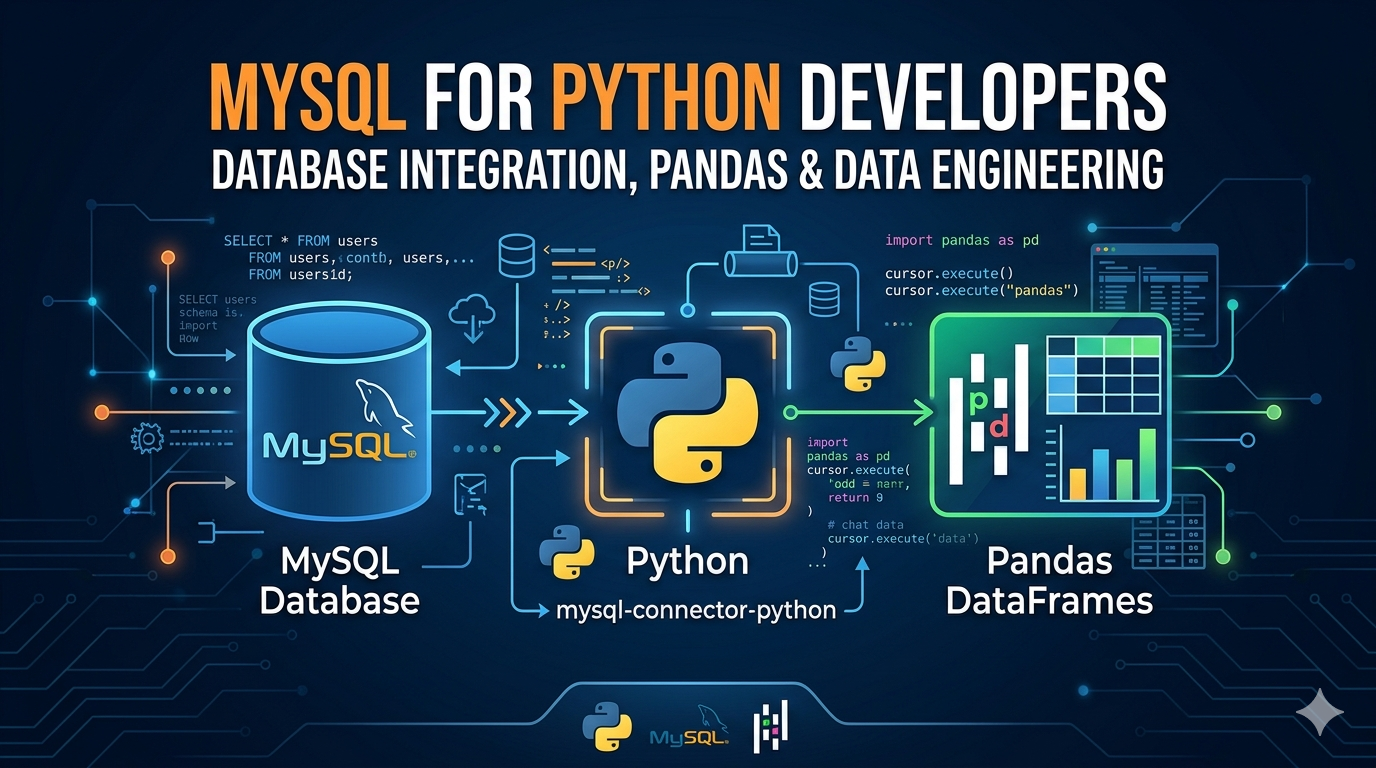
MySQL for Python Developers — Database Integration, Pandas & Data Engineering

If you work with Python and data, MySQL will cross your path sooner or later. Whether you’re building a web app, running analytics pipelines, or just learning backend development — knowing how to connect Python to MySQL cleanly and efficiently is a skill that pays off in almost every data-related job. The problem is that most tutorials online show you five lines of code, call it a day, and leave you confused when things break in a real project. This guide is different. We’ll go from setting up your first connection all the way to integrating MySQL with Pandas, building data pipelines, and applying real data engineering patterns — with working code at every step. Why MySQL and Python work so well together MySQL is one of the world’s most widely used relational databases — open source, fast, and supported by virtually every hosting platform on the planet. Python, on the other hand, has become the go-to language for data work, scripting, and backend development. The two naturally complement each other. In a typical workflow, Python handles the logic — fetching data, transforming it, making decisions — while MySQL handles persistence and structured storage. This pattern shows up everywhere: Django and Flask apps using MySQL as the backend, ETL pipelines pulling production data into analytics databases, data science notebooks querying live databases to analyze customer behavior. Understanding how to connect these two properly — with connection pooling, error handling, and clean query patterns — is what separates a developer who can get things working from one who builds things that actually hold up in production. Choosing your connector: mysql-connector-python vs PyMySQL vs SQLAlchemy Before you write a single line of code, you need to decide which library you’re using to communicate between Python and MySQL. There are three main options, and they’re not interchangeable: Option 1mysql-connector-pythonOfficial Oracle library. Pure Python, no extra dependencies. Best for straightforward use cases and learners starting out. Option 2PyMySQLLightweight alternative, also pure Python. Compatible with most MySQL versions and often preferred in legacy codebases and serverless environments. Option 3SQLAlchemyThe most powerful option. An ORM that abstracts database interactions. Preferred for larger applications, Pandas integration, and data engineering pipelines Setting up your Python MySQL connection Step 1 — Install the library # Install mysql-connector-python pip install mysql-connector-python # Or if you prefer PyMySQL pip install pymysql # For SQLAlchemy + MySQL (recommended for data engineering) pip install sqlalchemy pymysql Step 2 — Create your first connection import mysql.connector connection = mysql.connector.connect( host=”localhost”, user=”your_username”, password=”your_password”, database=”your_database” ) if connection.is_connected(): print(“Connected to MySQL successfully”) print(f”Server version: {connection.get_server_info()}”) connection.close() Always close your connection when done. Leaving connections open is one of the most common causes of “Too many connections” errors in MySQL, especially in scripts that run repeatedly. Step 3 — Use environment variables for credentials (never hardcode) Hardcoding database credentials is a serious security mistake — and one that beginners make all the time. If your code ever ends up on GitHub, those credentials are exposed. The right way to handle this from day one: import os import mysql.connector from dotenv import load_dotenv load_dotenv() # loads .env file into environment variables connection = mysql.connector.connect( host=os.getenv(“DB_HOST”), user=os.getenv(“DB_USER”), password=os.getenv(“DB_PASSWORD”), database=os.getenv(“DB_NAME”) ) Create a .env file in your project root and add it to .gitignore. This is standard practice and takes two minutes to set up. CRUD operations in Python — Create, Read, Update, Delete Once your connection is working, the most common thing you’ll do is perform CRUD operations. Here’s how each one works in Python with MySQL: Create — inserting data cursor = connection.cursor() insert_query = “”” INSERT INTO employees (name, department, salary) VALUES (%s, %s, %s) “”” data = (“Ayesha Khan”, “Analytics”, 85000) cursor.execute(insert_query, data) connection.commit() # required — changes are not saved without this print(f”Inserted row ID: {cursor.lastrowid}”) Always use parameterized queries with %s placeholders — never use f-strings or string formatting to build SQL queries. That’s how SQL injection vulnerabilities happen. Read — fetching data cursor.execute(“SELECT id, name, salary FROM employees WHERE department = %s”, (“Analytics”,)) rows = cursor.fetchall() for row in rows: print(f”ID: {row[0]}, Name: {row[1]}, Salary: {row[2]}”) # Use fetchone() when you only need a single row # Use fetchmany(n) when you want to paginate large result sets Update — modifying records update_query = “UPDATE employees SET salary = %s WHERE name = %s” cursor.execute(update_query, (92000, “Ayesha Khan”)) connection.commit() print(f”Rows affected: {cursor.rowcount}”) Delete — removing records delete_query = “DELETE FROM employees WHERE id = %s” cursor.execute(delete_query, (7,)) connection.commit() print(f”Deleted {cursor.rowcount} row(s)”) Notice that every write operation — INSERT, UPDATE, DELETE — requires a connection.commit() call. Without it, MySQL rolls back your changes when the connection closes. This is not a bug — it’s how transaction-safe databases are supposed to work. Using Pandas with MySQL — read_sql and to_sql This is where things get genuinely powerful for data work. Pandas can read directly from MySQL into a DataFrame and write DataFrames back to MySQL — with just a few lines of code. But to do this properly, you need SQLAlchemy to create the database engine that Pandas talks to. Reading MySQL data into a Pandas DataFrame import pandas as pd from sqlalchemy import create_engine # Create engine — format: dialect+driver://user:password@host/database engine = create_engine(“mysql+pymysql://username:password@localhost/your_database”) # Read an entire table df = pd.read_sql(“SELECT * FROM employees”, con=engine) # Or use a more targeted query df_filtered = pd.read_sql( “SELECT name, salary FROM employees WHERE salary > 80000″, con=engine ) print(df_filtered.head()) Writing a Pandas DataFrame back to MySQL # if_exists options: ‘fail’, ‘replace’, ‘append’ df.to_sql( name=”employees_backup”, con=engine, if_exists=”replace”, index=False, # don’t write the DataFrame index as a column chunksize=1000 # write in batches for large datasets ) Use if_exists=’append’ when you’re adding new rows to an existing table. Use ‘replace’ only when you intentionally want to drop and recreate the table — it’s destructive. Reading in chunks for large datasets When you’re dealing with millions of rows, loading everything into memory at once is a bad idea. Pandas gives you a chunked reading option that processes data in manageable pieces: chunk_iter = pd.read_sql( “SELECT * FROM large_transactions_table”, con=engine, chunksize=50000

Explore More
MySQL Bootcamp: Zero to Expert

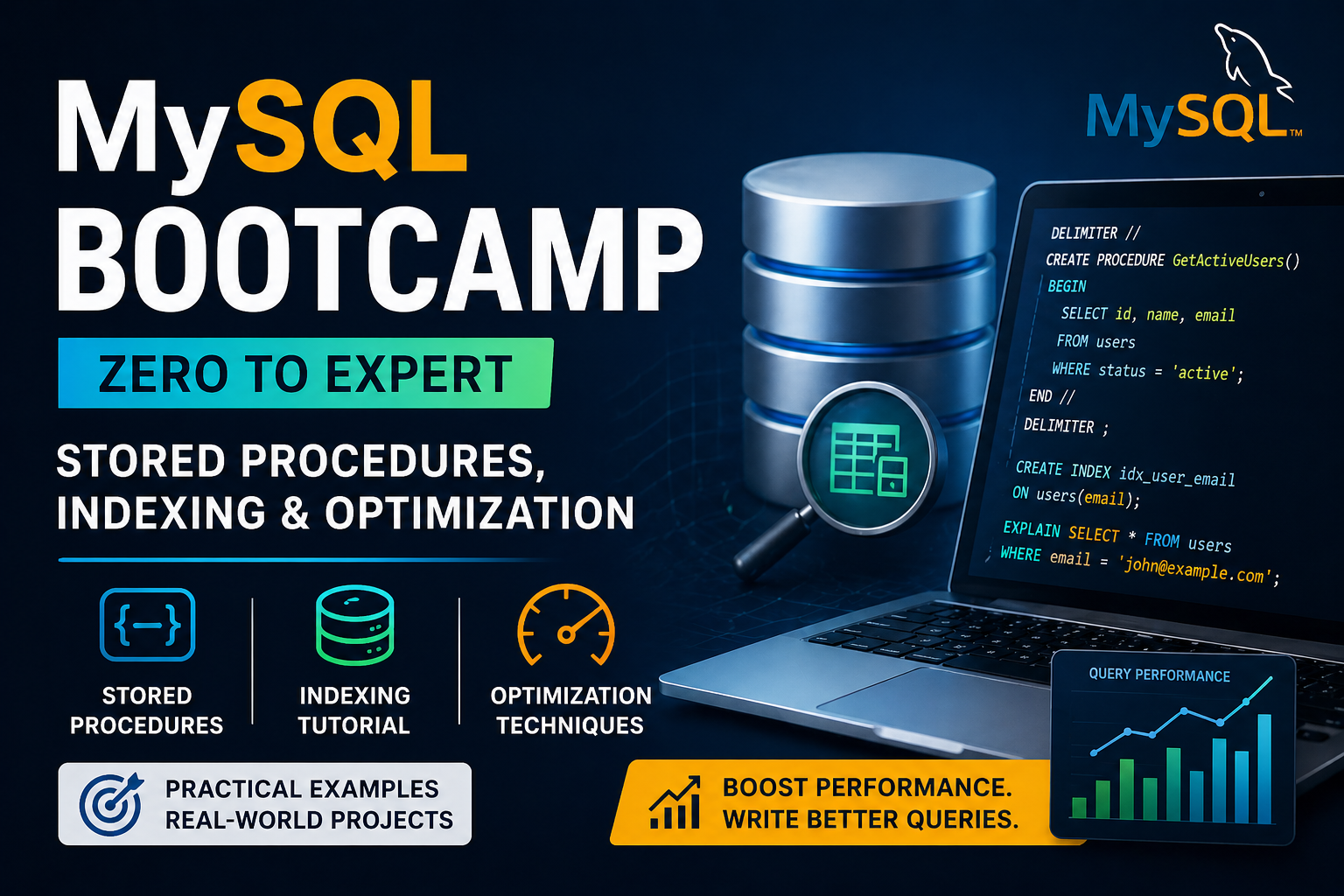
MySQL Bootcamp: Zero to Expert | Stored Procedures, Indexing & Optimization 2026

1. Introduction to MySQL Bootcamp A MySQL bootcamp is designed for learners who want to go from zero to expert in database management. It covers everything from basic SQL queries to advanced concepts like indexing and performance optimization. 2. Why Learn Advanced MySQL in 2026 3. MySQL Bootcamp Course Structure Level Topics Covered Skills Gained Beginner SQL basics, CRUD operations Data handling Intermediate Joins, functions, procedures Data relationships Advanced Indexing, optimization Performance tuning 4. MySQL Stored Procedures Explained Stored procedures are pre-written SQL code blocks stored in the database and executed when needed. They improve efficiency and reduce redundancy. Example: Benefits: 5. MySQL Indexing Tutorial Indexing improves the speed of data retrieval operations. Example: Types of Indexes: Index Type Description Primary Index Unique and not null Unique Index Prevents duplicate values Composite Index Multiple columns Full-Text Index Text search optimization 6. Query Optimization Techniques To master mysql indexing tutorial, you must also learn optimization: Example: 7. Real-World Applications Application Description E-commerce Fast product search Banking Systems Secure transactions Analytics Platforms Data processing SaaS Applications Scalable databases 8. Career Opportunities After completing this MySQL bootcamp, you can pursue: 9. Frequently Asked Questions | Aptech Learning Mahanagar 10. Conclusion A MySQL bootcamp is the fastest way to master database skills in 2026. By learning stored procedures, indexing, and optimization techniques, you can build high-performance applications and become an in-demand database expert.

Explore More
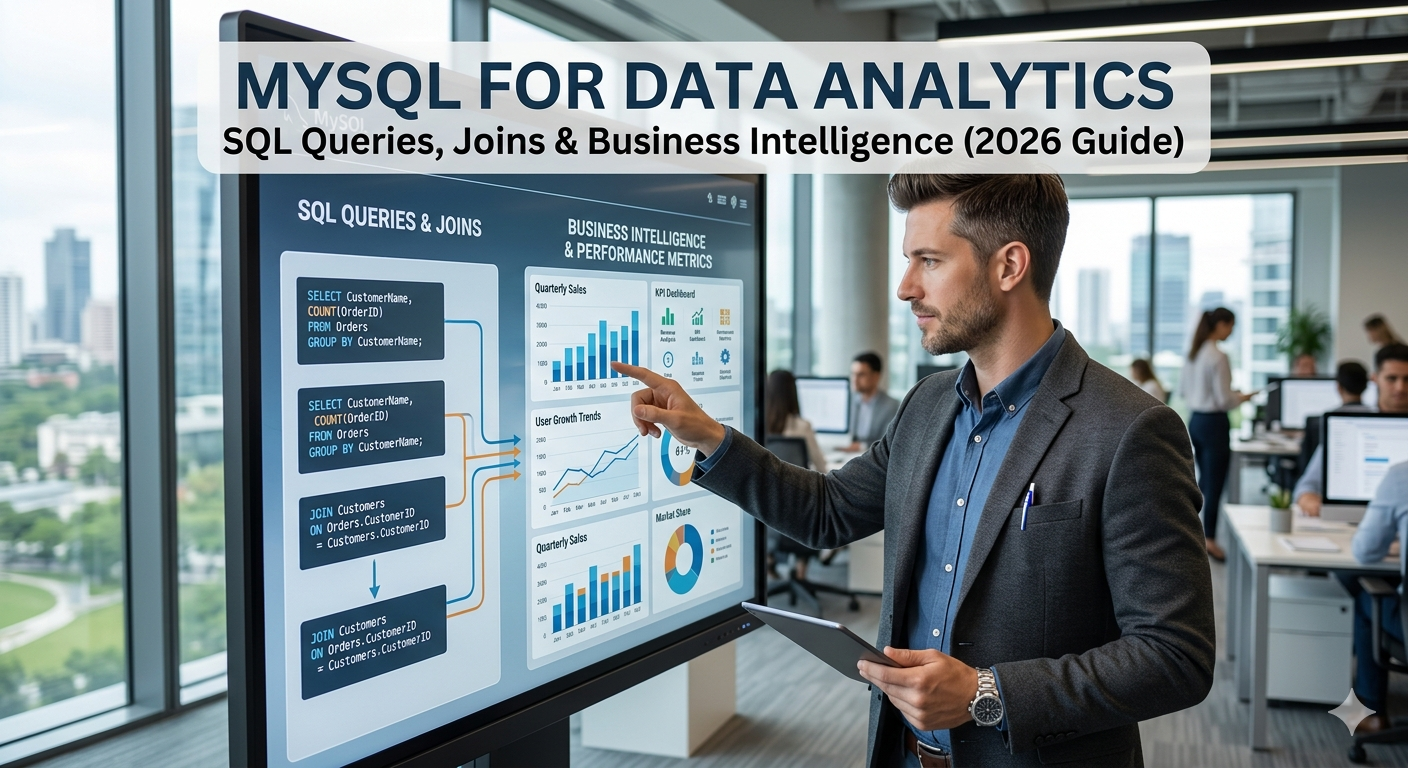
MySQL for Data Analytics

MySQL for Data Analytics | SQL Queries, Joins & Business Intelligence (2026 Guide)

MySQL for data analytics involves using SQL queries, joins, and database techniques to analyze, manage, and extract meaningful insights from structured data. It plays a key role in business intelligence by helping organizations make data-driven decisions efficiently. 1. Introduction to MySQL for Data Analytics MySQL is one of the most powerful relational database systems used by data analysts to store and analyze structured data. With the help of SQL, analysts can filter, sort, and manipulate large datasets efficiently. 2. Importance in Business Intelligence Using business intelligence MySQL, companies can: 3. SQL Queries for Data Analysis SQL queries are the backbone of mysql for data analytics. These queries help extract useful insights from databases. Basic Query Example: SELECT name, sales FROM customers WHERE sales > 5000; Aggregation Example: SELECT region, SUM(sales) FROM orders GROUP BY region; 4. SQL Joins Explained (Step-by-Step) A sql joins tutorial is essential for combining data from multiple tables. Example: SELECT customers.name, orders.amountFROM customersINNER JOIN orders ON customers.id = orders.customer_id; 5. Types of SQL Joins (Table Format) Join Type Description Use Case INNER JOIN Returns matching records Common data analysis LEFT JOIN Returns all left + matched Customer analysis RIGHT JOIN Returns all right + matched Inventory tracking FULL JOIN Returns all records Complete dataset 6. Real-World Use Cases Use Case Description Sales Analysis Identify top-performing products Customer Segmentation Group users based on behavior Financial Reporting Track revenue and expenses Marketing Insights Analyze campaign performance 7. Tools & Integration MySQL integrates with popular BI and analytics tools: These tools enhance business intelligence MySQL capabilities by providing visual dashboards. 8. Career Opportunities After mastering mysql for data analytics, you can become: 9. Frequently Asked Questions | Aptech Learning Mahanagar 10. Conclusion Learning MySQL for data analytics is essential in 2026 for anyone working with data. By mastering SQL queries and joins, you can unlock powerful insights and contribute to business intelligence strategies. Start practicing with real datasets to build strong analytical skills.

Explore More
MySQL Course for Beginners to Advanced

MySQL Course for Beginners to Advanced | Complete SQL Database Tutorial 2026

A MySQL course for beginners to advanced teaches how to create, manage, and optimize databases using SQL. It covers database fundamentals, queries, joins, indexing, and real-world applications, helping learners build strong data management and backend development skills. 1. What is MySQL? MySQL is an open-source relational database management system (RDBMS) that uses SQL (Structured Query Language) to store, retrieve, and manage data efficiently. It is widely used in web development, data analytics, and enterprise applications. 2. Why Learn MySQL in 2026 3. MySQL Course Structure (Step-by-Step) Level Topics Covered Skills You Gain Beginner Basics of SQL, tables, queries Data retrieval Intermediate Joins, functions, normalization Data relationships Advanced Indexing, optimization, security Performance tuning 4. Beginner Level Topics If you’re starting your MySQL course for beginners, you will learn: Example: SELECT * FROM users; 5. Intermediate Level Topics Once you move ahead in your learn MySQL step by step journey: Example: SELECT users.name, orders.amountFROM usersINNER JOIN orders ON users.id = orders.user_id; 6. Advanced MySQL Concepts In an advanced MySQL tutorial 2026, you will master: 7. Real-World Projects To become job-ready, practice these projects: Project Description Student Management System Manage student data E-commerce Database Products, users, orders Banking System Transactions and accounts Inventory Management Stock and suppliers 8. Career Opportunities After MySQL Course After completing this SQL database tutorial, you can apply for: 9. Frequently Asked Questions | Aptech Learning Mahanagar Conclusion A MySQL course for beginners to advanced is one of the best investments for your tech career in 2026. By learning MySQL step by step, you gain essential database skills required in almost every IT role. Start with basics, practice regularly, and work on real-world projects to become an expert.

Explore More
About Image
Guaranteed & Certified

Students are joining

For our career programs like Full Stack Development, Data Science, Data Analyst, and Business Analyst, we guarantee to arrange job interviews for you with our 100+ hiring partners until you get placed

You will be trained by experienced faculty and top-notch mentors. Our senior mentors bring over 20+ years of real-world industry experience directly to your classroom

All our programs are conducted in 100% offline mode at our modern training center in Aliganj, Lucknow. We believe in face-to-face, hands-on learning for the best results

“Aptech Learning Center Mahanagar, founded by renowned educationists, provides high-quality IT education to empower Lucknow’s youth for competitive tech careers.”

Contact Info.

Aptech Learning Center, first floor, Above Radiance, 18 J Road, Near Midland Healthcare and Research center, Mahanagar Lucknow
+91 6386 119 566
digilearninglko@gmail.com

© 2025 Aptech Learning Center Mahanagar | All Rights Reserved | Designed and Developed By DigiGrow Solutions