
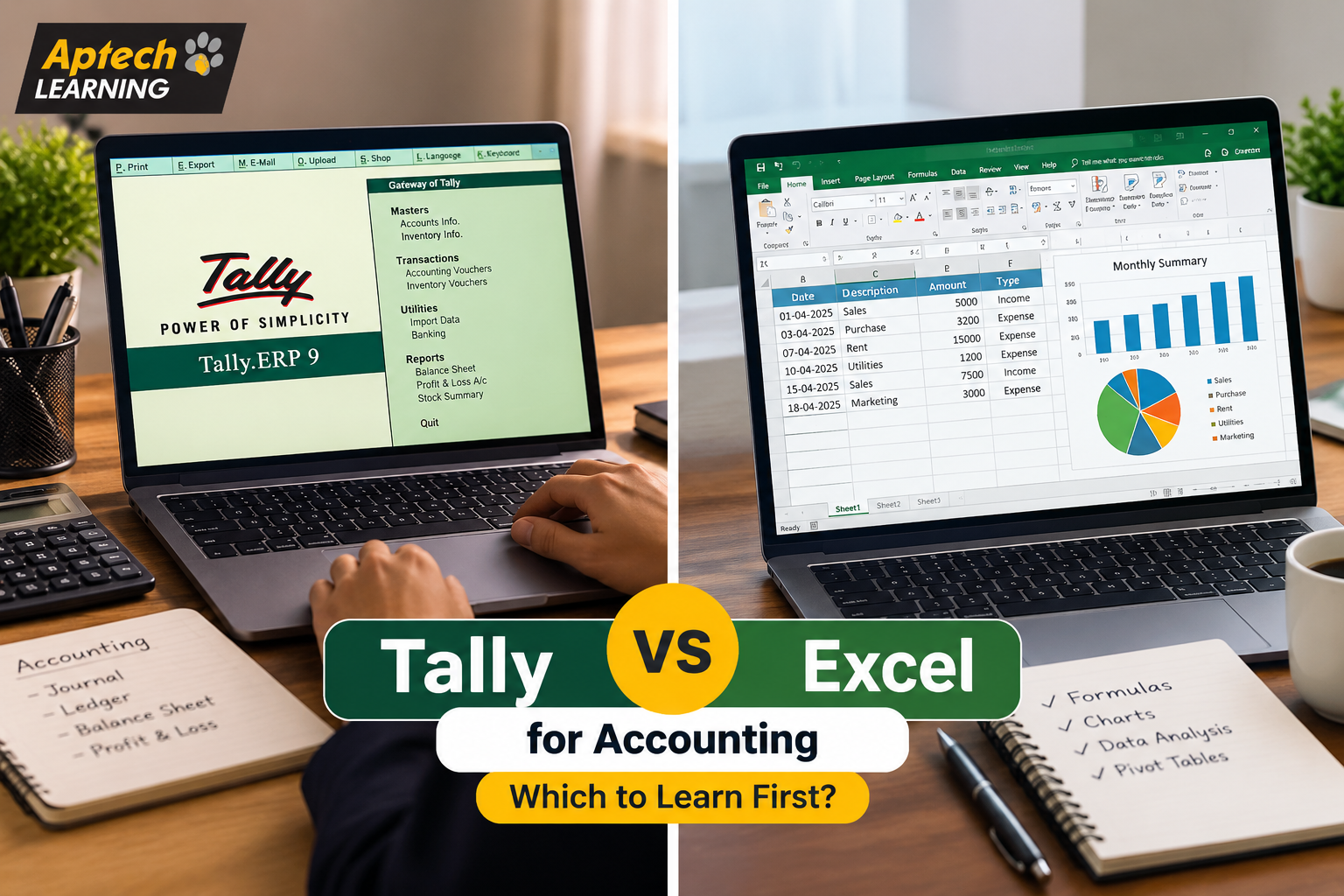
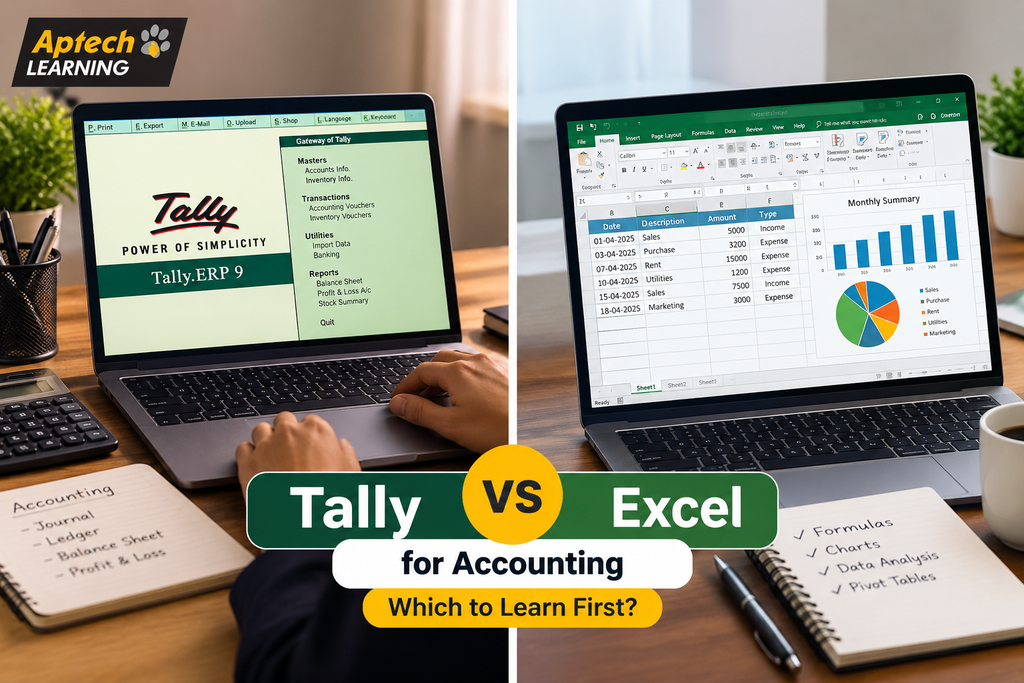
Tally vs Excel for Accounting: Which to Learn First?
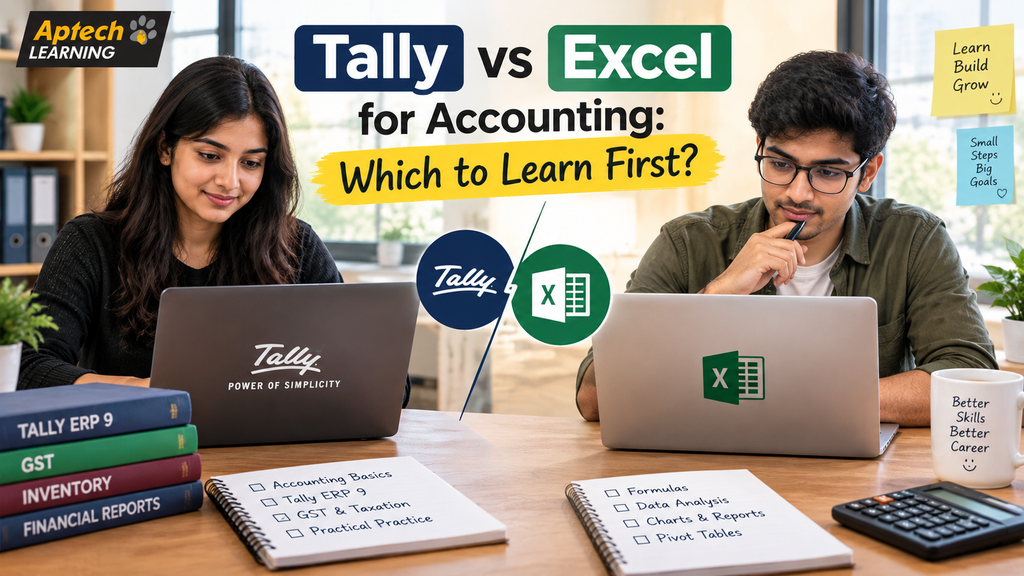
What Tally Actually Does
Tally is purpose-built accounting software, meaning it was designed from the ground up specifically to handle business accounting tasks. It manages ledgers, records daily transactions like sales and purchases, tracks inventory, handles payroll, manages GST compliance, and automatically generates financial statements like profit and loss reports and balance sheets.
The key advantage is that accounting rules are built into the software itself. When you record a transaction in Tally, it automatically applies double-entry accounting principles, updates the relevant ledgers, and keeps everything internally consistent. You do not have to manually build these rules yourself, which significantly reduces the chance of errors in routine accounting work.
This is exactly why a huge number of small and mid-sized businesses across India rely on Tally for their day-to-day accounting, and why it appears so frequently in accounting job requirements.
What Excel Actually Does
Excel is a general-purpose spreadsheet tool, not accounting-specific software. It gives you a blank, flexible grid where you can build practically anything, budgets, financial models, custom reports, data analysis, forecasts, and dashboards, using formulas and functions you construct yourself.
The key advantage is exactly that flexibility. Excel does not lock you into any particular structure, which means you can build completely custom analysis that no pre-built software would offer. The trade-off is that this flexibility also means Excel does not automatically enforce accounting rules; if you build a financial model with an error in your formula, Excel will happily calculate the wrong answer without warning you.
This is why Excel is used heavily for analysis, planning, and custom reporting in accounting and finance roles, rather than for core transaction recording and compliance work.
Why This Comparison Confuses So Many Beginners
The confusion mostly comes from the fact that both tools appear in accounting job descriptions, often in the same posting, which makes it seem like they are interchangeable alternatives. They are not.
Think of it like comparing a specialised kitchen appliance to a good set of knives. A rice cooker does one specific job extremely well, automatically and consistently. A knife set is far more flexible, you can prepare practically anything with it, but it requires more skill and gives you no built-in safeguards. Most serious cooks own both, using each for what it does best.
Tally is the specialised appliance for accounting. Excel is the flexible knife set. Most accounting professionals genuinely use both, just for different parts of their work.
Key Differences Between Tally and Excel
Aspect | Tally | Excel
Primary Purpose | Dedicated accounting and compliance software | General-purpose spreadsheet and analysis tool
Accounting Rules | Built in automatically | You must build them yourself
GST Compliance | Designed specifically to handle it | Not built for it; requires manual setup
Financial Statements | Generated automatically from recorded data | Must be manually built using formulas
Flexibility | More structured, less customisable | Highly flexible and fully customisable
Error Risk | Lower for routine accounting entries | Higher, since formula errors go undetected
Learning Curve | Structured, focused on accounting workflows | Broader, ranges from basic to very advanced
Best Used For | Daily transactions, ledgers, GST, inventory | Analysis, forecasting, budgets, custom reports
How Accountants Actually Use Both Together (Step-by-Step)
- Daily Transactions Are Recorded in Tally
Sales, purchases, payments, and receipts are entered into Tally, where accounting rules are applied automatically. - Tally Generates Standard Financial Reports
Profit and loss statements, balance sheets, and GST reports are generated directly from the recorded data. - Data Is Exported to Excel for Deeper Analysis
When custom analysis is needed, data is exported from Tally into Excel, where more flexible calculations become possible. - Custom Reports Are Built in Excel
Excel is used to build things Tally does not offer directly, such as multi-year comparisons, custom dashboards, or scenario planning. - Forecasting and Budgeting Happen in Excel
Since forecasting involves assumptions and scenarios rather than recorded transactions, Excel is generally the better tool for this work. - Findings Are Presented to Management
Excel-based charts and summaries are often used to present insights, since they can be customised more freely for presentation purposes. - Compliance Work Returns to Tally
GST filing and statutory compliance work goes back through Tally, where the compliance features are purpose-built.
Tally vs Excel vs Learning Both
Looking at this as three options, rather than two, is often more useful.
Learning only Tally makes sense if your immediate goal is a dedicated accounting role, particularly in a small or mid-sized business or accounting firm where Tally-based work dominates daily responsibilities.
Learning only Excel makes sense if your role leans more toward analysis, reporting, or finance rather than pure transaction recording, or if you are in a company that uses different accounting software entirely.
Learning both, ideally Tally first for accounting roles, then Excel, generally produces the strongest accounting profile, since real accounting work frequently requires moving between the two.
In simple words: Tally handles the recording and compliance side, Excel handles the analysis and custom reporting side, and most experienced accounting professionals genuinely use both regularly.
Practical Examples
Accountant at a Small Trading Business: The accountant records all daily sales and purchases in Tally for compliance and automatic reporting, then exports data to Excel to build a custom monthly comparison report the owner specifically requested.
CA Firm Employee Managing Multiple Clients: An employee uses Tally to manage each client’s books and GST filing separately, while using Excel to maintain a master tracking sheet monitoring filing deadlines across all clients.
Finance Executive Building a Budget: A finance executive pulls last year’s actual figures from Tally, then builds the entire next-year budget in Excel, since budgeting involves assumptions that Tally is not designed to model.
Fresher Applying for Accounts Jobs: A fresher notices that most local accounting job postings specifically list Tally as a requirement, so they learn Tally first, then add Excel skills afterward to strengthen their profile.
Common Mistakes People Make When Choosing
Treating them as competing alternatives. They serve different purposes, and choosing “one instead of the other” permanently limits your capability in accounting work.
Learning Excel deeply while ignoring Tally for accounting roles. Many Indian accounting job postings specifically require Tally, and strong Excel skills alone may not satisfy that specific requirement.
Learning only Tally and never developing Excel skills. This limits your ability to do custom analysis, forecasting, and reporting, which becomes increasingly important at senior levels.
Trying to do core accounting entirely in Excel. Building accounting systems from scratch in Excel is error-prone and generally impractical compared to purpose-built software.
Choosing based on which tool seems easier rather than which fits the job. Some learners pick Excel because it feels more familiar, even when their target roles specifically require Tally.
Not checking actual local job requirements first. The most practical way to decide is looking at what accounting jobs in your city and target industry actually ask for.
Career Opportunities Compared
Both tools support genuine accounting career paths, though they emphasise different role types.
Tally-Focused Career Opportunities
Accounts Executive — records daily transactions and manages ledgers
GST Executive — handles compliance, filing, and related documentation
Tally Operator — focuses specifically on accurate transaction entry
Junior Accountant — supports broader accounting functions built around Tally-based work
Excel-Focused Career Opportunities
MIS Executive — builds and maintains management reports and dashboards
Financial Analyst — handles budgeting, forecasting, and financial modelling
Business Analyst — uses Excel for broader business performance analysis
Data Analyst — uses Excel alongside other tools for analytical reporting
Salary Information Compared
Salary in roles using either Tally or Excel depends on factors such as your city, the size and industry of the company, your specific role, your skill depth, and your years of experience, rather than the tool itself determining pay. Generally, Tally-focused roles like accounts executive and GST executive tend to sit within accounting career tracks, while Excel-focused roles like financial analyst and MIS executive sit within analysis and reporting tracks, each with their own growth trajectories. Professionals who develop strong skills in both often have broader role flexibility, which can support stronger long-term salary growth compared to being limited to just one tool.
Skills Required for Each
Tally Skills
Understanding of basic accounting principles like debit, credit, and ledgers
Accurate voucher entry for sales, purchases, payments, and receipts
GST compliance features, including report generation and filing support
Inventory management for product-based businesses
Generating and interpreting financial statements directly from Tally
Excel Skills
Core formulas like VLOOKUP, INDEX-MATCH, IF statements, and SUMIFS
Pivot tables for summarising and analysing larger datasets
Conditional formatting for highlighting important patterns
Chart and dashboard building for presenting findings clearly
Basic understanding of financial modelling structure for budgets and forecasts
When You Should Learn Tally First
Learning Tally first generally makes more sense if:
Your target job postings specifically list Tally as a required or preferred skill
You want a dedicated accounting role, such as accounts executive or GST executive
You are targeting small or mid-sized businesses or accounting firms, where Tally usage is widespread
You want a faster path to job readiness, since Tally’s focused scope is often quicker to learn to a job-ready level
You want GST compliance capability, which is built into Tally but must be manually constructed in Excel
When You Should Learn Excel First
Learning Excel first generally makes more sense if:
Your target roles lean toward analysis and reporting rather than pure transaction recording
You are aiming for MIS, financial analyst, or business analyst positions
Your current or target company uses accounting software other than Tally
You want a broadly transferable skill that applies across almost every office role, not just accounting
You are still exploring career directions and want a versatile foundation before specialising
Eligibility and Course Duration
Neither Tally nor Excel courses typically require a specific technical background, though Tally courses benefit significantly from at least basic accounting understanding, making them particularly well-suited to commerce students. Generally, learners should have completed higher secondary education (12th grade) or be graduates. Course duration varies, with focused Tally courses often covering core accounting, GST, and inventory features over a few weeks to a few months, and advanced Excel courses ranging similarly depending on depth. It is best to confirm exact course structure and duration directly with the training provider.
Who Should Learn Which
Commerce students targeting accounting roles should generally prioritise Tally first, then add Excel
Students or professionals targeting analysis and reporting roles should generally prioritise Excel first
Working accountants who already use Tally daily should focus on strengthening Excel for career growth
Fresh graduates unsure of their exact direction may benefit from starting with Excel for its broader applicability
Anyone serious about a long-term accounting career should plan to eventually learn both, regardless of starting point
Frequently Asked Questions
Should I learn Tally or Excel first for accounting?
For dedicated accounting roles in India, Tally is usually the better first choice since it appears frequently in job requirements, while Excel is better first if your role leans toward analysis and reporting.
Is Tally better than Excel for accounting work?
For core accounting tasks like recording transactions, GST compliance, and generating financial statements, Tally is generally better since these functions are built into the software.
Can Excel completely replace Tally for accounting?
Not practically, since Excel does not automatically enforce accounting rules or handle GST compliance, making it error-prone and inefficient for core accounting work.
Do accounting jobs in India require both Tally and Excel?
Many accounting job postings list both, since Tally handles transaction recording and compliance while Excel handles analysis and custom reporting.
Which is easier to learn, Tally or Excel?
Tally has a more focused, structured scope that many learners find quicker to reach job readiness in, while Excel ranges from very basic to extremely advanced depending on how deep you go.
Can I get an accounting job with only Tally skills?
Yes, many entry-level accounting and GST roles specifically require Tally, though adding Excel skills generally strengthens your profile and supports faster career growth.
Conclusion
Tally and Excel are not really competitors; they are complementary tools that handle different parts of accounting work. Tally is purpose-built for recording transactions, managing compliance, and generating financial statements accurately, while Excel offers the flexibility needed for analysis, budgeting, and custom reporting.
If your goal is a dedicated accounting role in India, learning Tally first generally makes practical sense given how frequently it appears in job requirements. If your goal leans toward analysis and reporting, Excel is the better starting point. Either way, most accounting professionals eventually benefit from learning both, so the real question is usually about sequence rather than choosing one permanently over the other.
Soft Call to Action
If you are based in Lucknow and want structured, hands-on training in Tally, Excel, or both, Aptech Learning Lucknow offers courses designed for commerce students and working professionals alike. You can visit the institute, speak with their counsellors, or attend a demo class to understand which tool makes more sense for your specific career goals.